
AI Suite
Bring OpenAI, Claude, Gemini, or any of 200+ OpenRouter models into your self-hosted Perfex CRM, using your own API keys — no subscription.
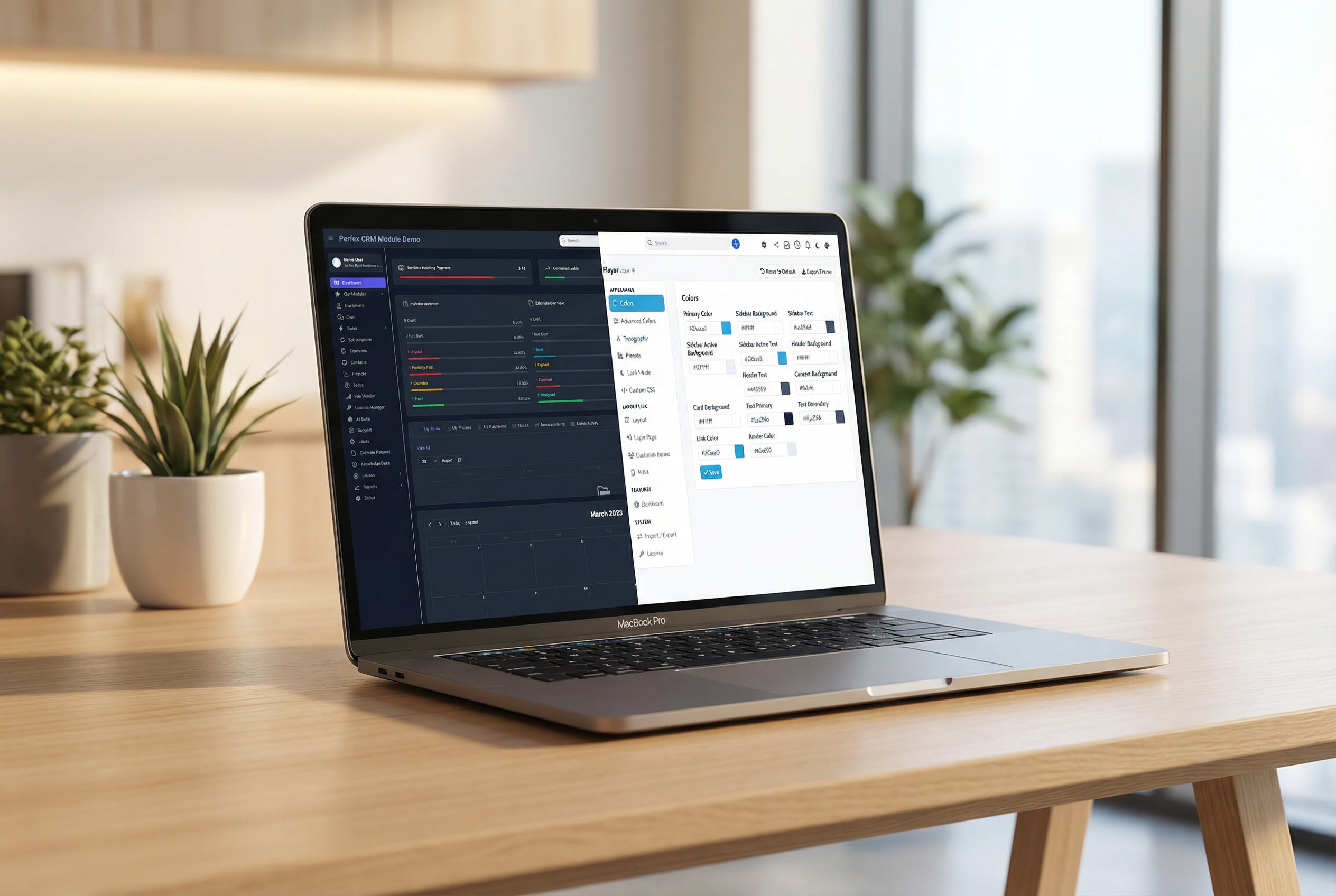
Make Perfex CRM feel like your own — themes, dark mode, a custom dashboard and Cmd+K speed
Includes 6 months of support & lifetime updates · Extend Support — €19/year
The teaser in under a minute.
Choose from professionally designed presets or create your own custom theme in minutes.
Full dark mode support with automatic detection of system preferences.
Brand your login page with custom backgrounds, logos, and color schemes.
Turn your CRM into a Progressive Web App. Install it on any device like a native app.
Fine-tune every color in the admin panel with a visual color picker.
Everything works through hooks and overrides — no core files modified.
Press Cmd+K (or Ctrl+K) and jump to any client, page or setting in seconds. No more hunting through menus.
Replace the default dashboard with your own grid layout. Arrange the widgets that matter to you and your team.
Every staff member can pick their own theme, not just one global look. Your night owls get dark mode; others keep it light.
Choose fonts that match your brand. Google Fonts are served locally from your own server — GDPR-friendly, with no external requests.
Drop in your own CSS for the finishing touches, without editing a single core file.
Pin the pages you open every day for one-click access from anywhere in the CRM.
A configurable bottom bar on mobile with three slots you assign — the important actions always within thumb's reach.
Space-saving sidebar modes, including icon-only, to give your content more room.
Choose a preset and customize it to match your brand — or start from scratch.
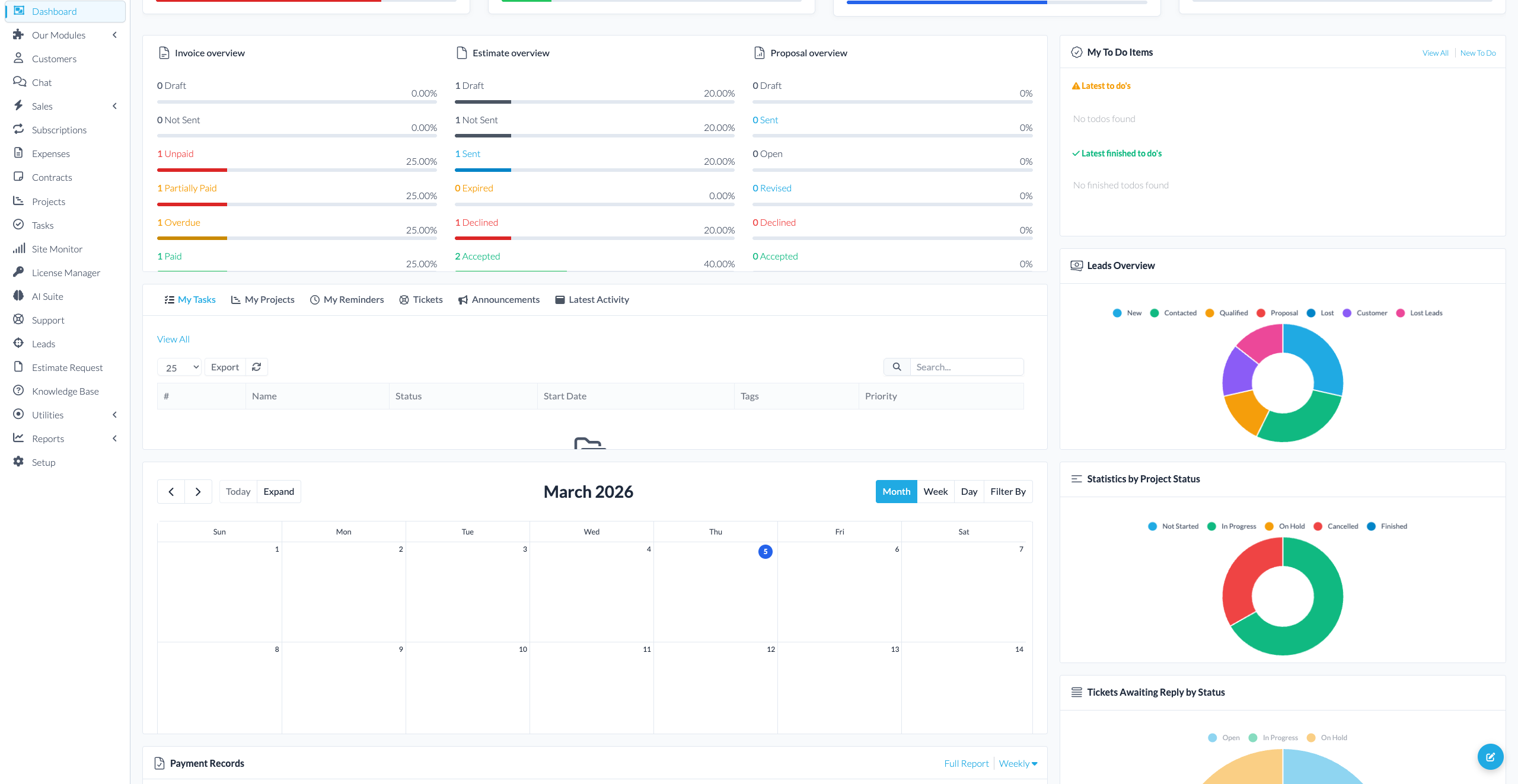
Screenshots from the actual module running inside Perfex CRM.
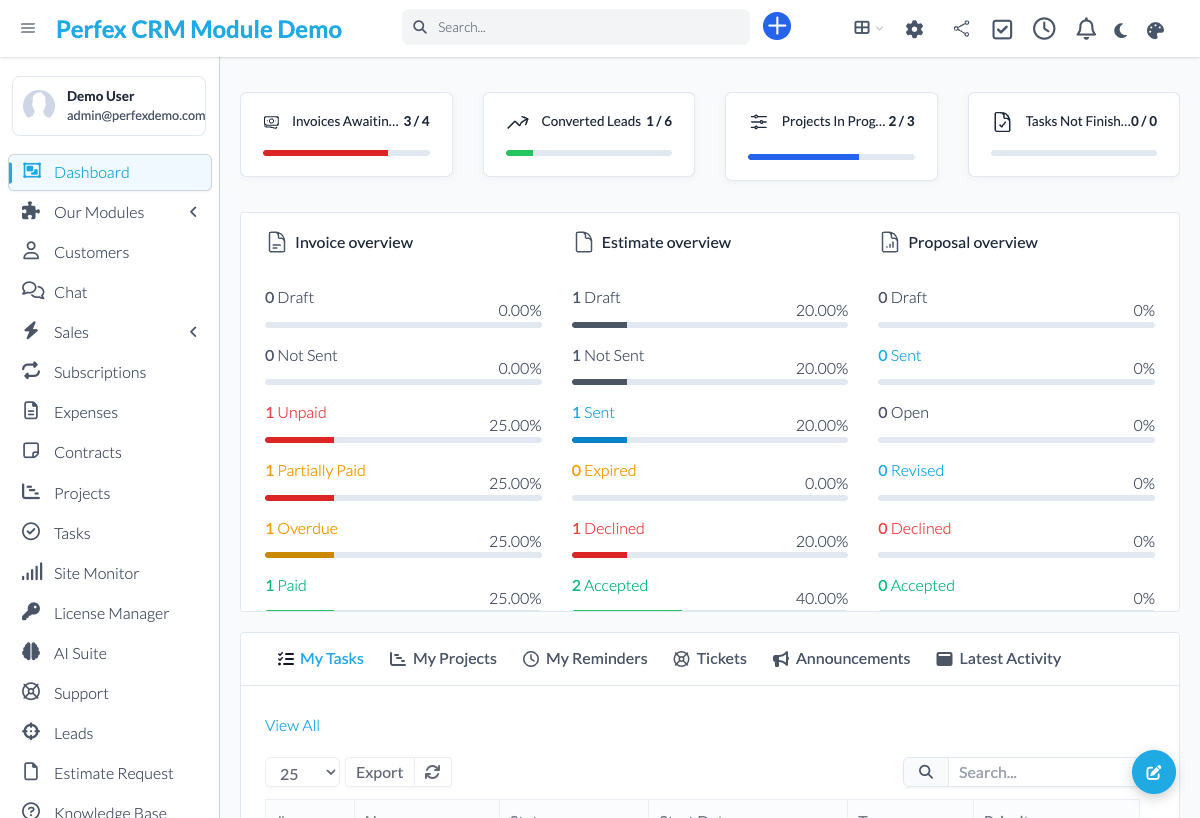
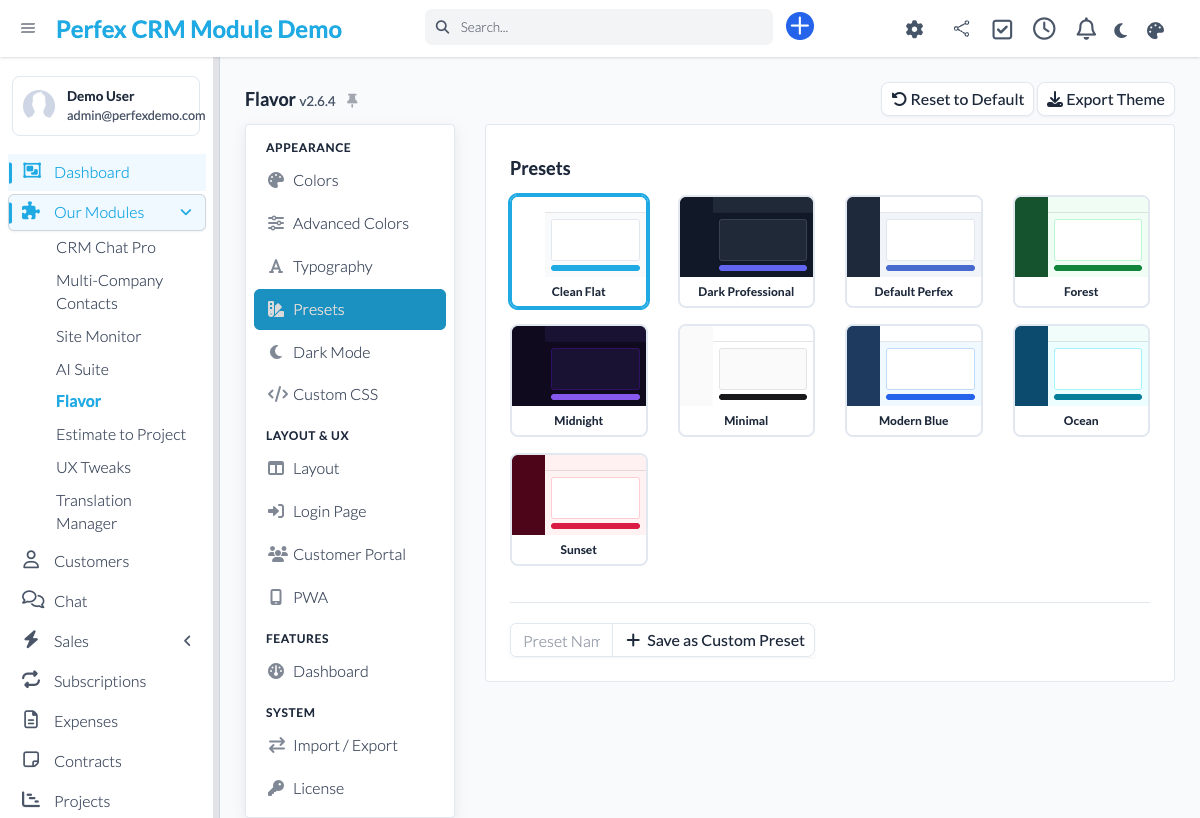
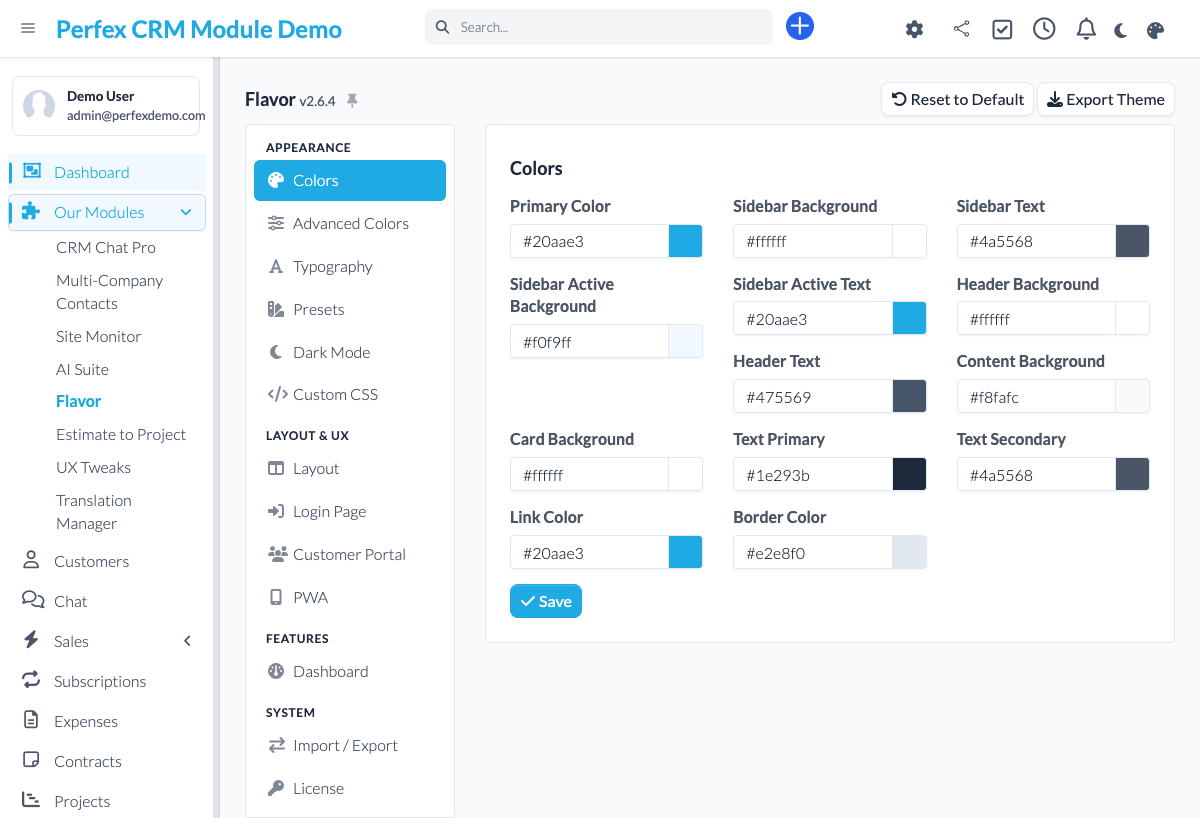
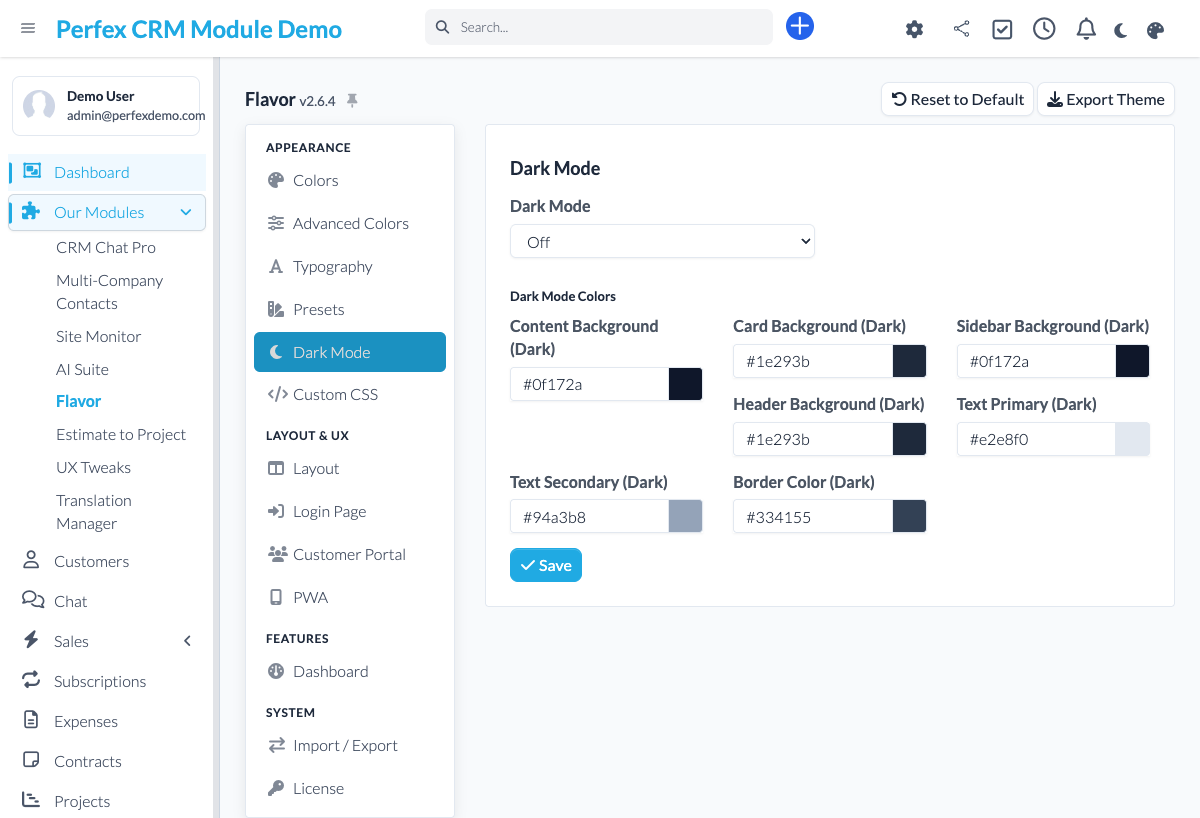
Transform the look and feel of your Perfex CRM with Flavor — and go beyond looks. Choose from built-in presets, create your own themes, enable dark mode, and fine-tune every color with a visual picker. But Flavor also speeds up your day: jump anywhere with the Cmd+K command palette, build your own dashboard, let every user pick their own theme, and pin the pages you use most. Add your own fonts (Google Fonts served locally, GDPR-friendly), drop in custom CSS, brand the login page, and turn your CRM into a Progressive Web App — all without touching a single line of core code.
Common questions about Flavor.
No. Flavor works entirely through hooks, CSS overrides, and asset injection. Your core Perfex CRM files remain untouched, making updates safe and easy.
Yes. Use the visual color picker to customize every element, then save your configuration as a named preset. You can export presets and share them across installations.
Flavor generates a web app manifest and service worker for your Perfex CRM. Users can then "Add to Home Screen" on mobile or "Install" on desktop browsers for an app-like experience.
No. Flavor generates optimized CSS files that are cached by the browser. The performance impact is negligible — typically under 5ms additional load time.
Yes. Flavor lets you set a custom background image, logo, color scheme, and welcome text for the Perfex CRM login page. Great for white-labeling.
Currently, dark mode applies to the admin panel. Client portal theming is on the roadmap for a future release.
Press Cmd+K (or Ctrl+K) anywhere in Perfex CRM and a search box opens. Start typing to jump straight to a client, a page or a setting — it is the fastest way to move around the CRM without clicking through menus.
Yes. With per-user themes, every staff member picks the look that suits them — dark or light, their preferred preset — while you keep control over the available options. The choice is saved per user.
Yes. Flavor serves Google Fonts locally from your own server, so no data is sent to Google when a page loads. You get custom typography without the privacy and cookie-consent headaches of externally loaded fonts.
Bring OpenAI, Claude, Gemini, or any of 200+ OpenRouter models into your self-hosted Perfex CRM, using your own API keys — no subscription.

Assign contacts to multiple companies with roles

WordPress maintenance for your client sites — monitor, update, back up and report, all from Perfex CRM