
AI Suite
Bring OpenAI, Claude, Gemini, or any of 200+ OpenRouter models into your self-hosted Perfex CRM, using your own API keys — no subscription.
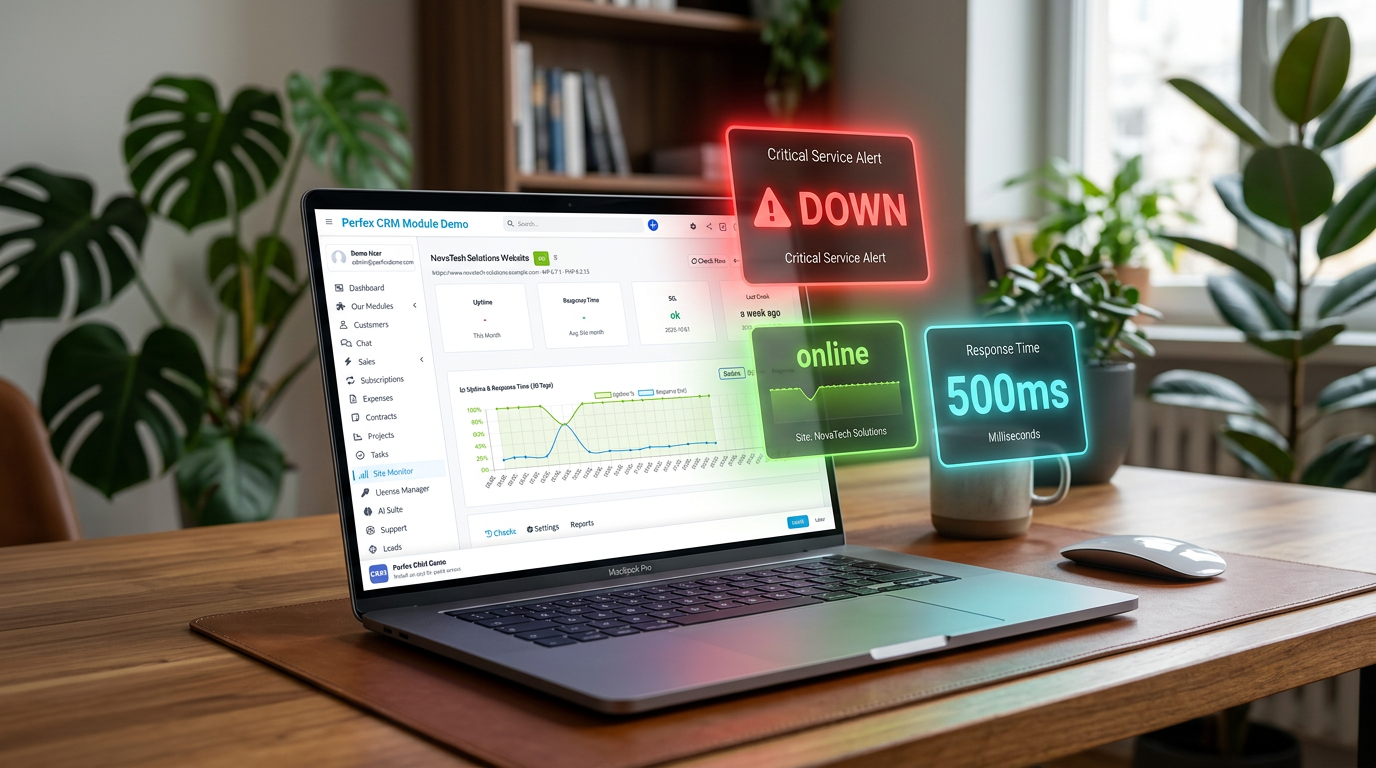
WordPress maintenance for your client sites — monitor, update, back up and report, all from Perfex CRM
Includes 6 months of support & lifetime updates · Extend Support — €19/year
The teaser in under a minute.
Site Monitor checks whether each WordPress site is reachable, measures response time, and keeps a complete downtime history. Many client sites come together in a single CRM.
The status of every site you look after sits on your Perfex dashboard. If something goes down, you see it the moment you log in — not from your client's phone call.
A shareable live page shows your client 90 days of uptime — as dots, a calendar, a timeline or a gauge. Transparency that makes your work visible.
Checks each site's certificate and warns you in good time before it expires. You decide how many days' notice you get.
Checks that an expected text is present on the page, such as the company name. If it disappears, you catch a broken site or a defacement before your client does.
Detects pending updates for core, plugins and themes. With "Update All" you bring everything up to date, and the update history documents every step.
A guided maintenance run in the right order: check for updates, create a pre-backup, then update core, plugins and themes. No piecing it together by hand.
A major-version lock lets only minor updates through automatically. A client site stays stable instead of breaking on a big version jump.
Backups run daily, weekly or monthly. You choose the scope (database only, plus uploads, or everything), the retention, and the destination: local, FTP or S3.
A security check, form tests and an optional visual test runner (BackstopJS) for visual regression tests surface problems before anyone reports them.
At the end of the month, Site Monitor generates a maintenance report as a PDF, sends it to your client automatically, and shows it in the Perfex client portal. Your work, in black and white.
Every site hangs on a contract. When it expires, Site Monitor pauses or warns you. Each maintenance run automatically creates a task with a checklist, so maintenance and billing run together.
Screenshots from the actual module running inside Perfex CRM.
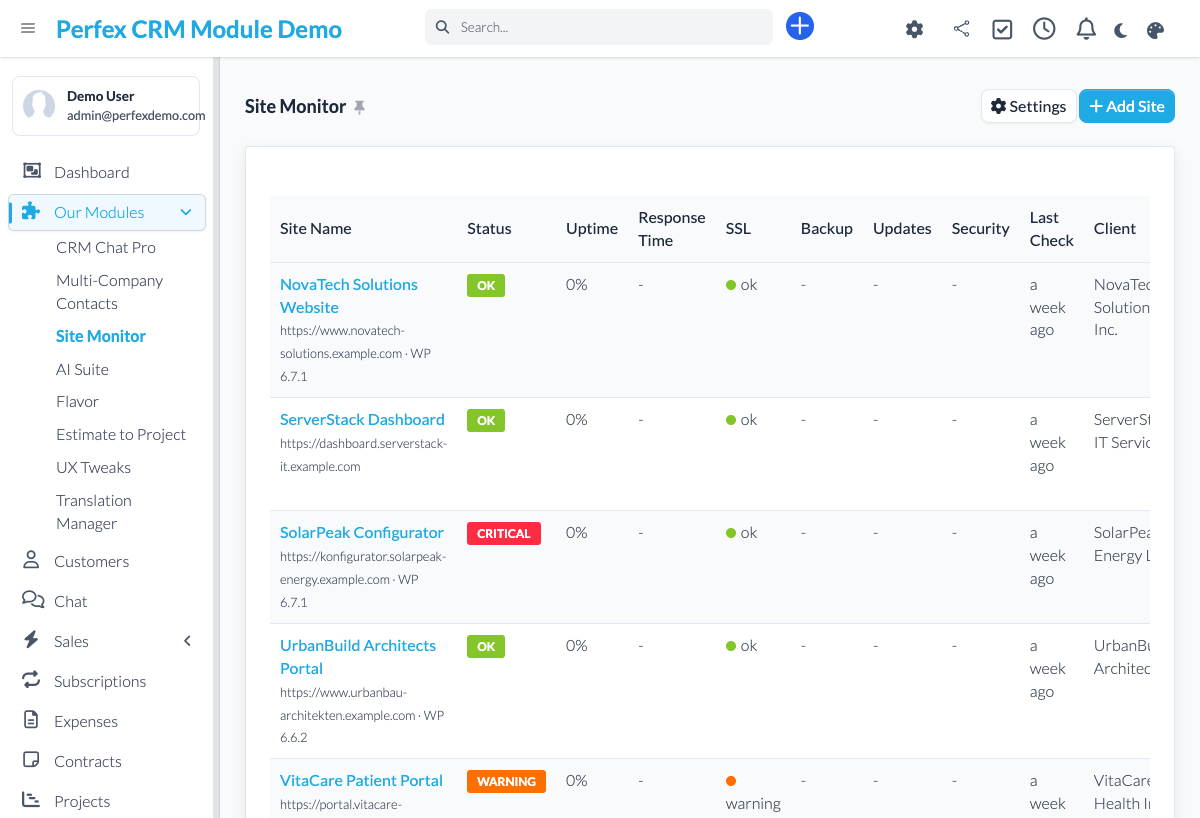
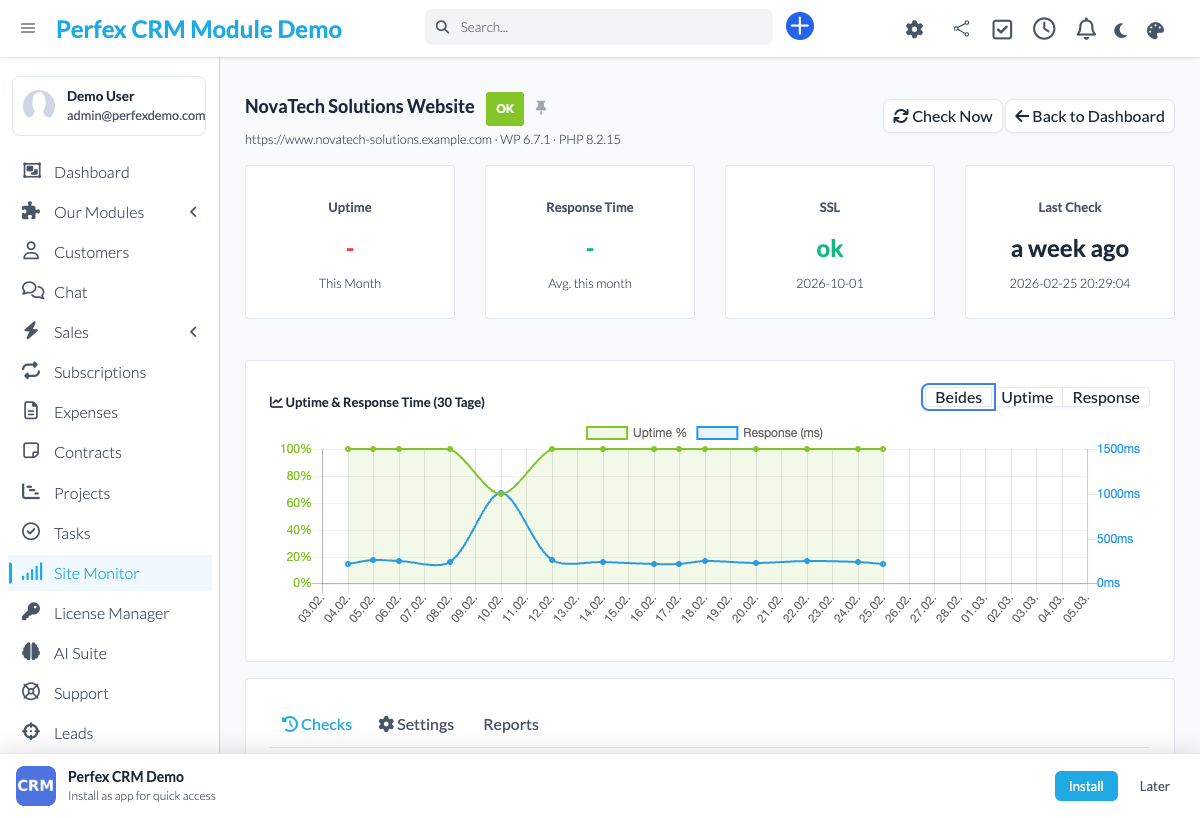
Site Monitor turns Perfex CRM into the hub for your clients' WordPress maintenance. Instead of just seeing whether a site is online, you look after it completely from one place: monitor uptime and load time, update WordPress core, plugins and themes, schedule backups, and send a finished maintenance report to your client at the end of the month. And what you do becomes visible — through a shareable status page with 90 days of uptime and a monthly report right inside the Perfex client portal. Every monitored site can be linked to a contract, so maintenance and billing run together. Site Monitor is built for WordPress and needs a small worker plugin on the site it looks after; once that is installed, everything else runs from your CRM. €39 one-time, no subscription, with six months of support and lifetime updates.
Common questions about Site Monitor.
Yes. Site Monitor is built for WordPress and needs a small worker plugin (mu-plugin) on the site it looks after. You install it once, then run monitoring, updates, backups and reports from Perfex CRM.
The plugin is the link between your CRM and the WordPress site. It reports uptime, detects updates, creates backups and runs the maintenance jobs. Without it, Site Monitor could only check from the outside whether the site is reachable; with it, you look after the site completely.
Yes. You manage as many WordPress sites as you like from one CRM. The dashboard widget shows you the status of all of them at a glance.
Two things that make your work visible: a shareable status page with 90 days of uptime, and the monthly maintenance report as a PDF, which they can also view in the Perfex client portal.
The Full Maintenance run creates a pre-backup before every update. On top of that, an option locks major versions and only lets minor updates through automatically, so a big version jump does not take down your client's site.
Wherever you want. You schedule them daily, weekly or monthly, choose the scope (database only, database plus uploads, or everything) and the destination: local, via FTP or to S3. Retention decides how many backups are kept.
You store a text that must appear on the page, for example the company name. Site Monitor checks it on every run. If it suddenly goes missing, that is a warning sign of a broken site or a defacement — often before a plain uptime check would notice.
Yes. Every monitored site can be linked to a Perfex contract. When the contract expires, monitoring pauses or you get a warning. Each maintenance run creates a task with a checklist, so nothing slips through.
No. There is no subscription and no third party. Site Monitor costs €39 one-time, including six months of support and lifetime updates. All data stays in your Perfex CRM.
Yes. A live demo is available where you can click through monitoring, updates, backups and reports before you buy.
Bring OpenAI, Claude, Gemini, or any of 200+ OpenRouter models into your self-hosted Perfex CRM, using your own API keys — no subscription.
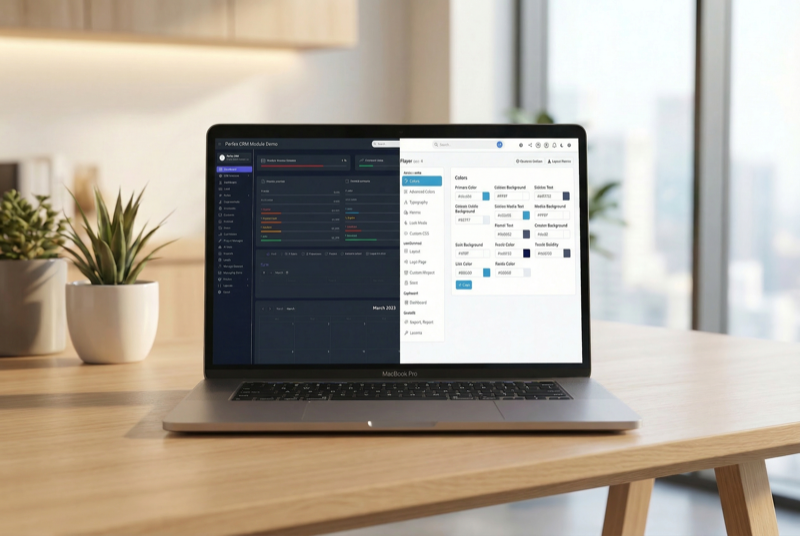
Make Perfex CRM feel like your own — themes, dark mode, a custom dashboard and Cmd+K speed

Assign contacts to multiple companies with roles