
AI Suite
Bring OpenAI, Claude, Gemini, or any of 200+ OpenRouter models into your self-hosted Perfex CRM, using your own API keys — no subscription.
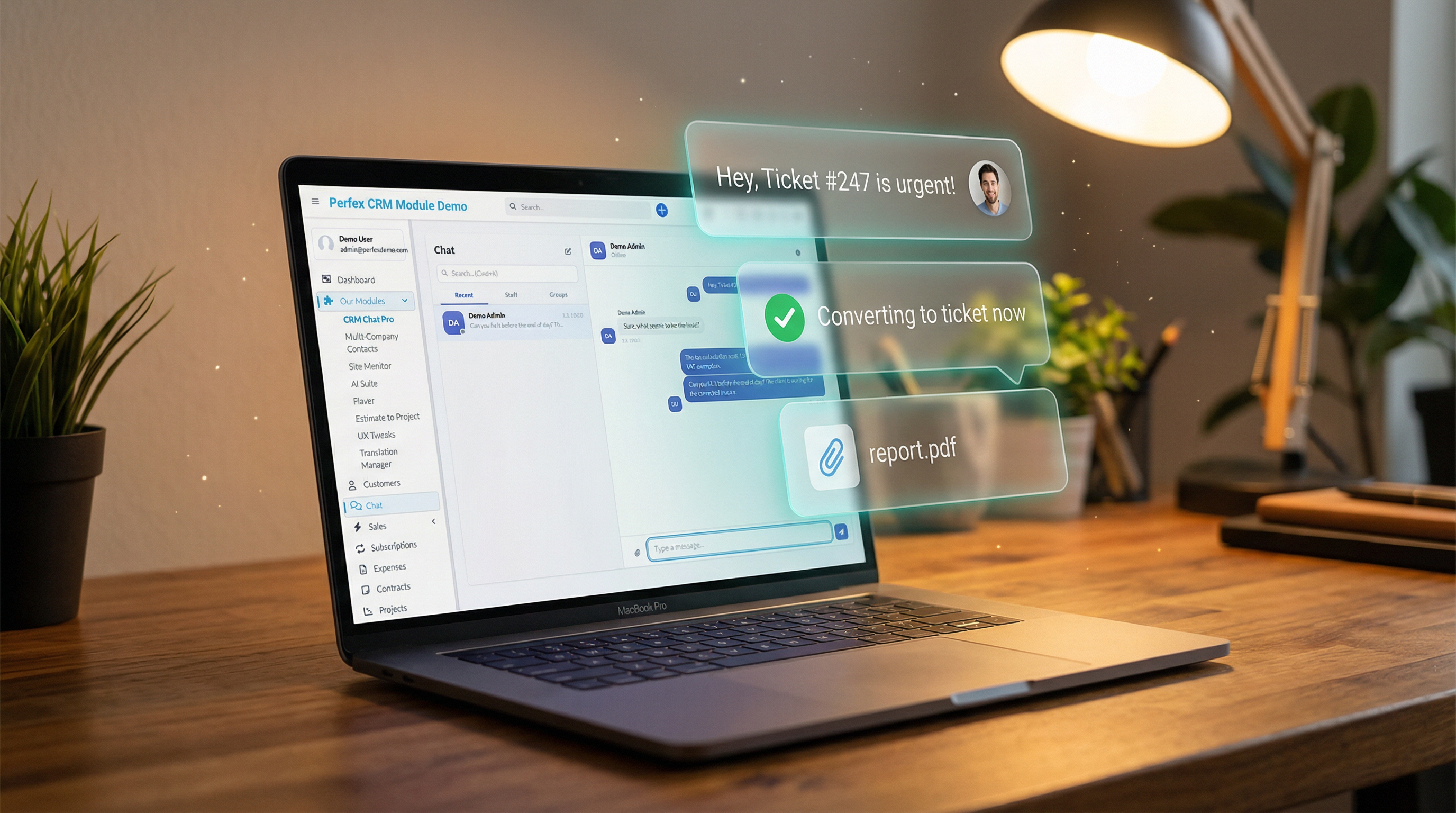
The real-time Perfex CRM chat module — team & client messaging with project channels and ticket conversion
Includes 6 months of support & lifetime updates · Extend Support — €19/year
The teaser in under a minute.
Hybrid 3-tier delivery: SSE for sub-second latency, badge-polling fallback, and optional Pusher WebSockets. Zero configuration needed.
Every project gets a dedicated chat channel. Members auto-sync when the project team changes. Clients can be invited too.
Customers chat with your team directly from the client portal — for project discussions and support conversations.
One-on-one staff chats and multi-participant group conversations with admin and member roles.
React to messages with emojis and reply to specific messages with threaded quotes for organized discussions.
Type @ to mention staff or contacts. Autocomplete suggests participants so nobody misses important messages.
See who is online, away, or busy — plus real-time typing indicators so you know when a reply is coming.
Record and send voice messages when typing is not convenient. Great for quick updates and detailed explanations.
Drag-and-drop images, documents, and media with configurable file types and size limits up to your server capacity.
Edit sent messages or delete them. Soft-delete preserves audit trails while keeping conversations clean.
Position the chat widget anywhere on the page via drag & drop. Your position is saved across page reloads so important buttons are never blocked.
Turn chat discussions into support tickets with one click. Context is preserved so nothing falls through the cracks.
Every message shows a delivered and a read status, so you know whether the other side has actually seen it — the same feedback you expect from a modern messenger.
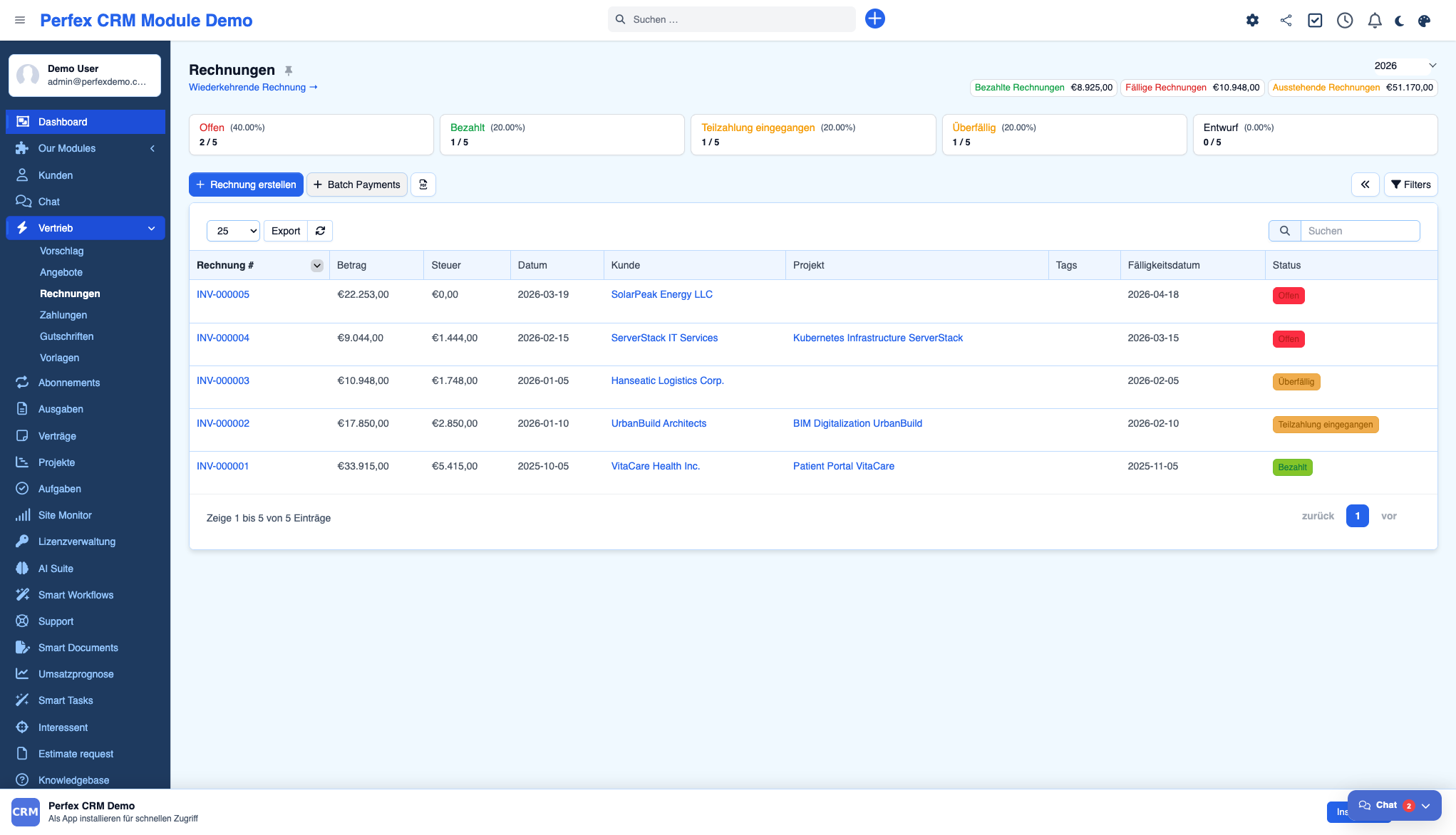
Screenshots from the actual module running inside Perfex CRM.
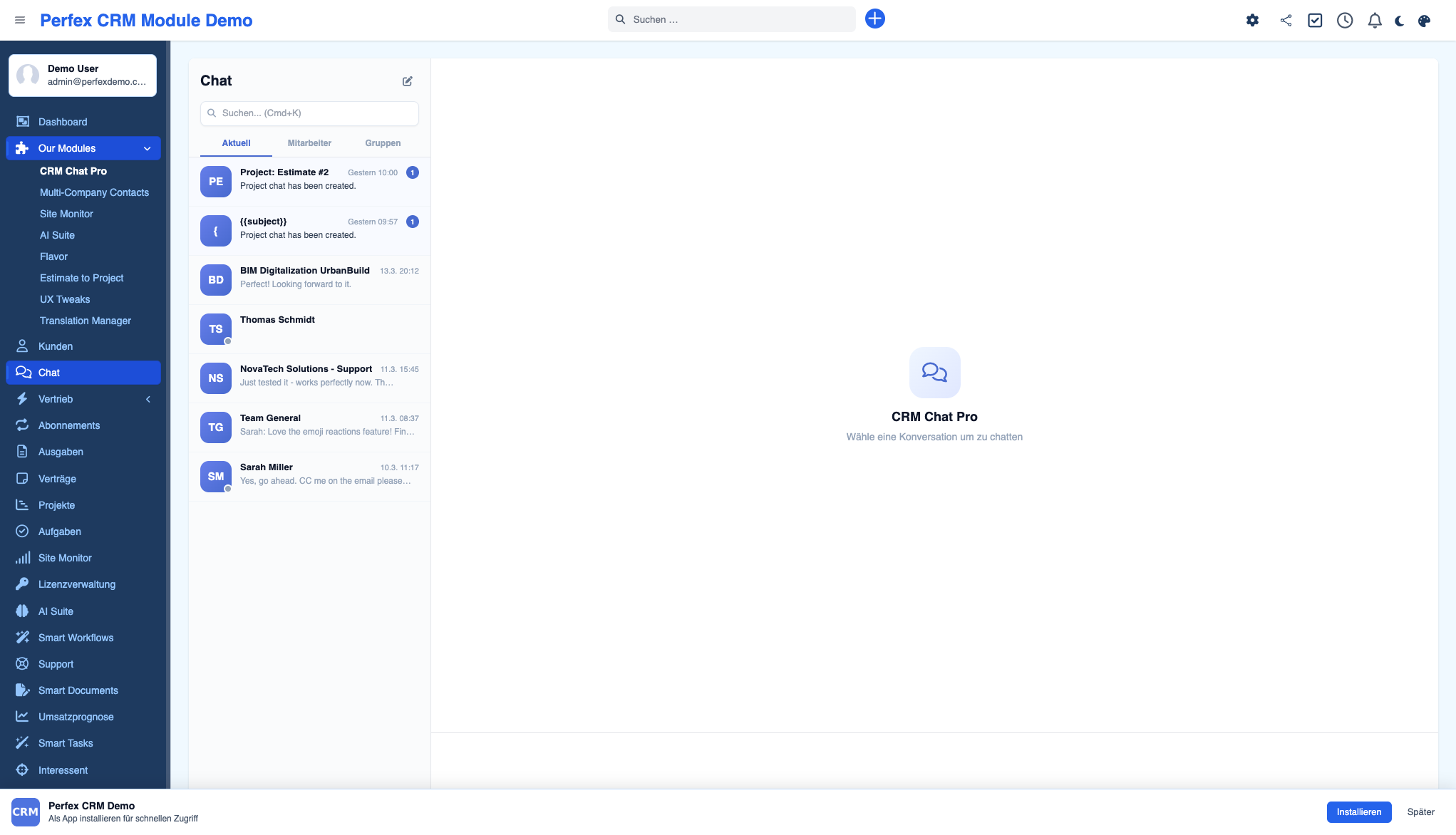
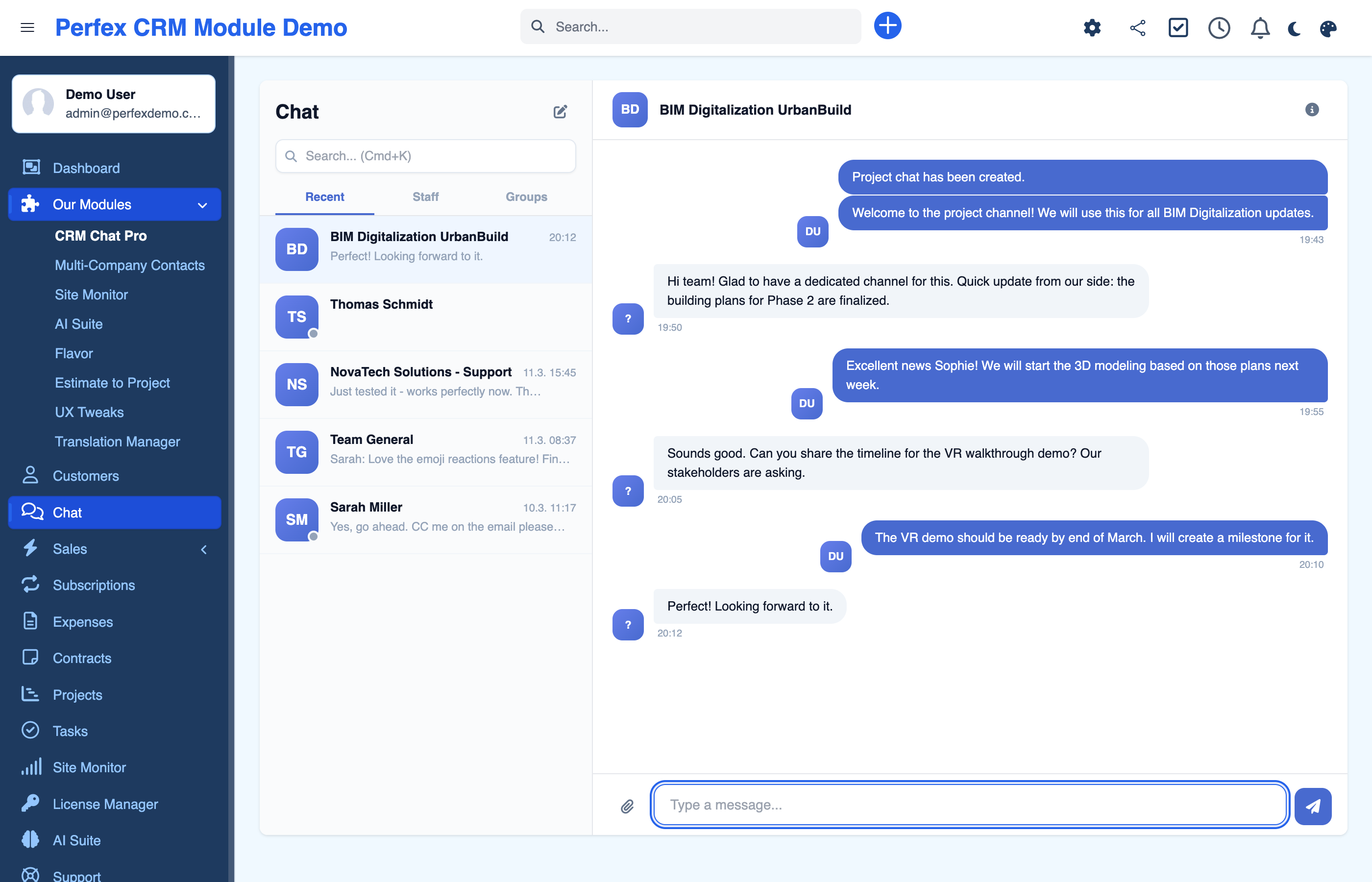

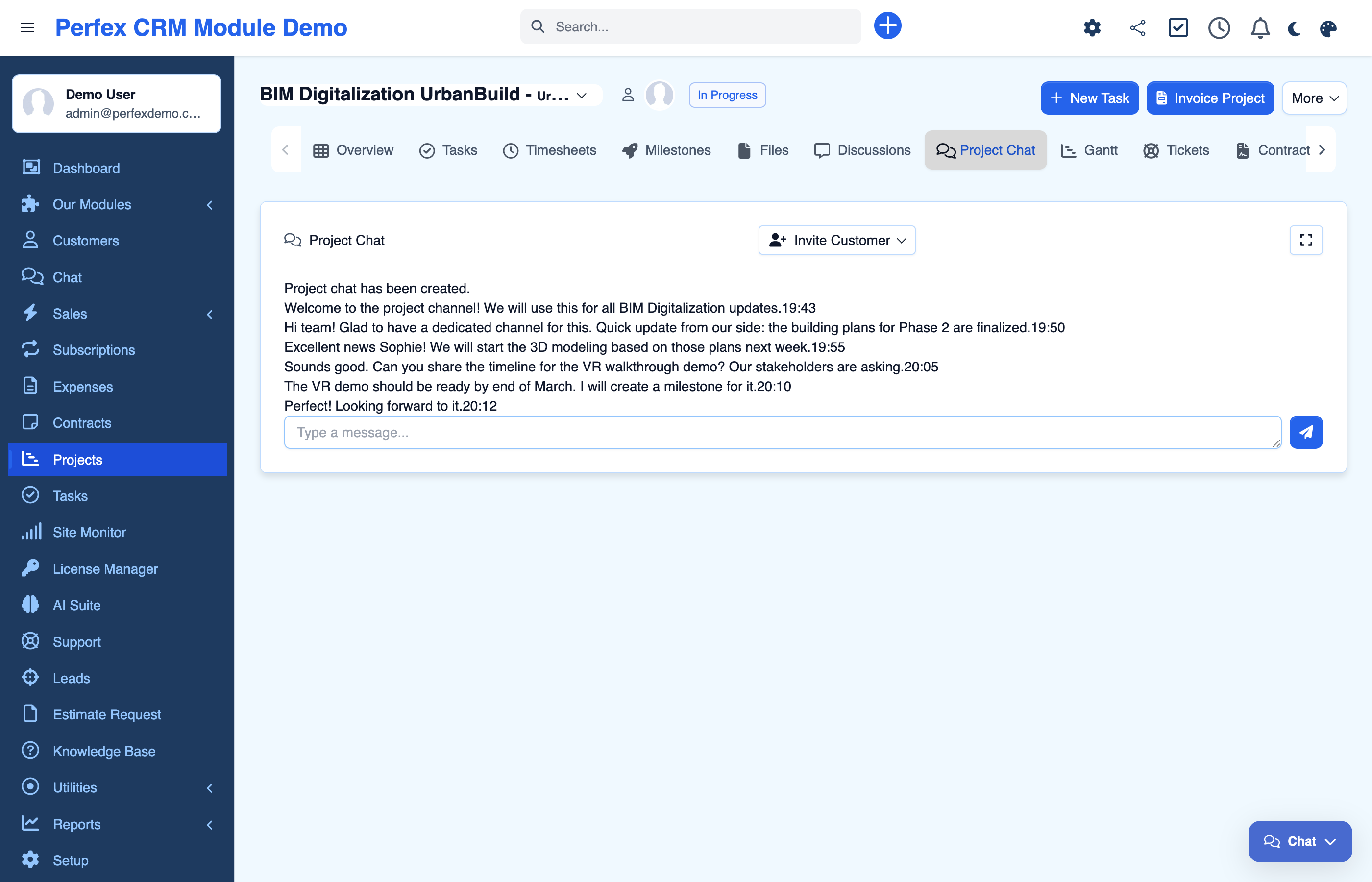
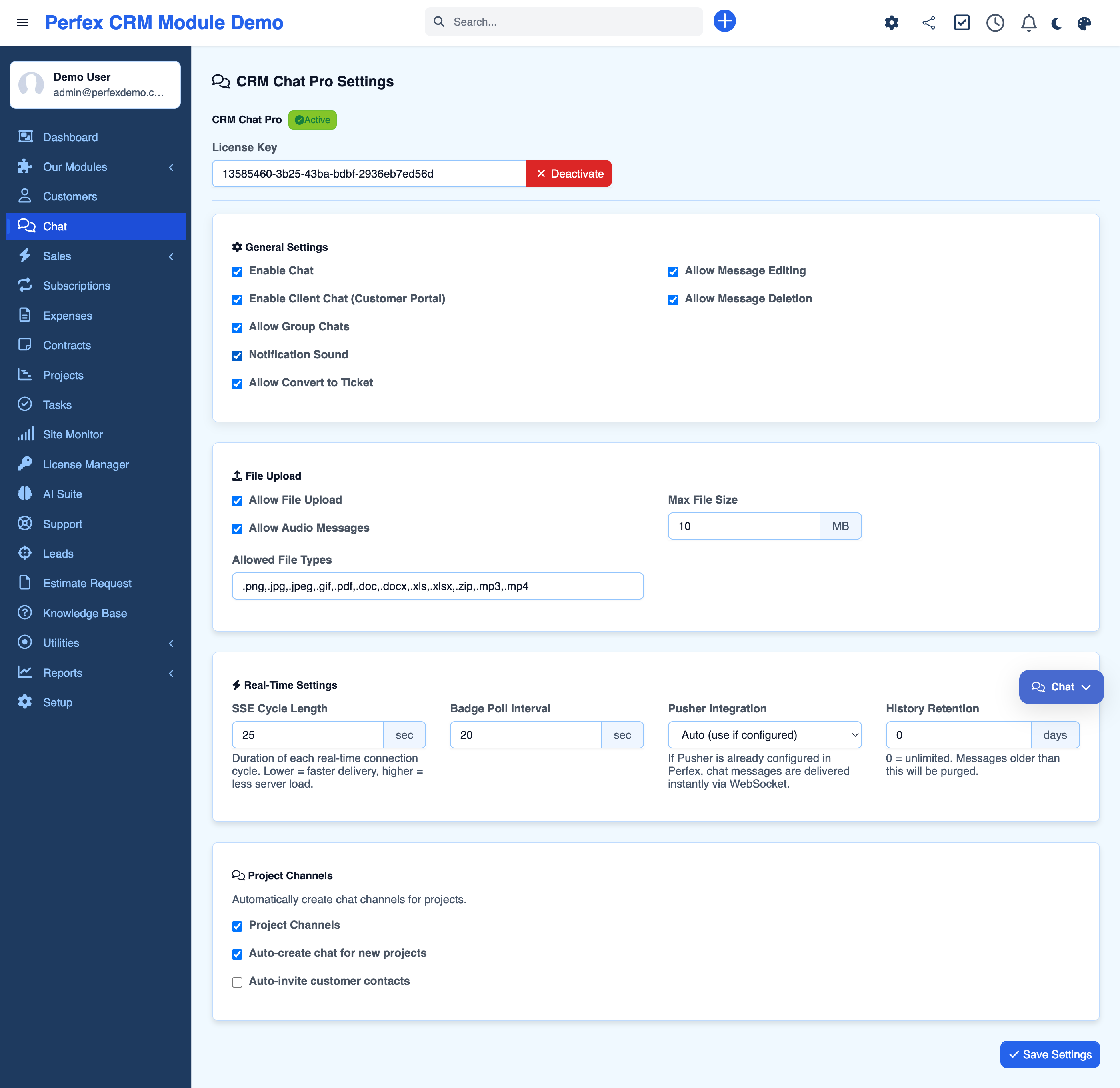
CRM Chat Pro is the complete Perfex CRM chat module — connect your team and clients in one place. Staff can message one-on-one or in groups, while clients chat directly from the customer portal. Every project gets its own dedicated channel that auto-syncs members. React with emojis, reply to messages, @mention colleagues, share files, record audio messages, and convert discussions into tickets — all in real time with zero external dependencies.
Common questions about CRM Chat Pro.
No. CRM Chat is 100% self-hosted and works out of the box with Server-Sent Events (SSE). If you already have Pusher configured in Perfex CRM, it will automatically use WebSockets for even faster delivery.
CRM Chat uses a 3-tier hybrid system: SSE as the primary transport with approximately 1-second latency, badge-polling as a fallback, and optional Pusher WebSocket support for instant delivery. No configuration needed — it works automatically.
Yes. Clients can chat with your team directly from the Perfex CRM customer portal. They see project-specific conversations and can send messages, share files, and receive real-time updates — all within their portal view.
Every project can have a dedicated chat channel. When you add or remove members from a project, the chat participants update automatically. You can also invite client contacts to join the project conversation.
Yes. CRM Chat is fully responsive from 390px viewport width, with touch-optimized controls and an app-like experience on mobile devices. It works seamlessly with the Flavor module for dark mode support.
File types and maximum size are configurable in the admin settings. By default, it supports PNG, JPG, GIF, PDF, DOC, DOCX, XLS, XLSX, ZIP, MP3, and MP4 with a 10 MB limit.
Yes. Convert chat messages into support tickets, auto-sync project members, and use the existing Perfex staff and permission system with 6 granular permissions.
Each active SSE connection uses one PHP worker process. The number of concurrent chatters depends on your server configuration. For larger teams, enable Pusher to reduce server load significantly.
Yes. All data stays on your server — no external API calls are made. Messages use soft-delete for audit trails, and you can configure automatic message cleanup after a specified number of days.
Yes. The floating chat widget is fully draggable — just click and drag it to any position on the page. Your position is saved in the browser and persists across page reloads. This is useful when the widget overlaps important buttons like "Save Invoice".
Yes. Each message carries a delivered and a read status, so you know whether your colleague or client has actually seen it — the read and delivered feedback you know from everyday messengers, right inside your CRM.
Bring OpenAI, Claude, Gemini, or any of 200+ OpenRouter models into your self-hosted Perfex CRM, using your own API keys — no subscription.
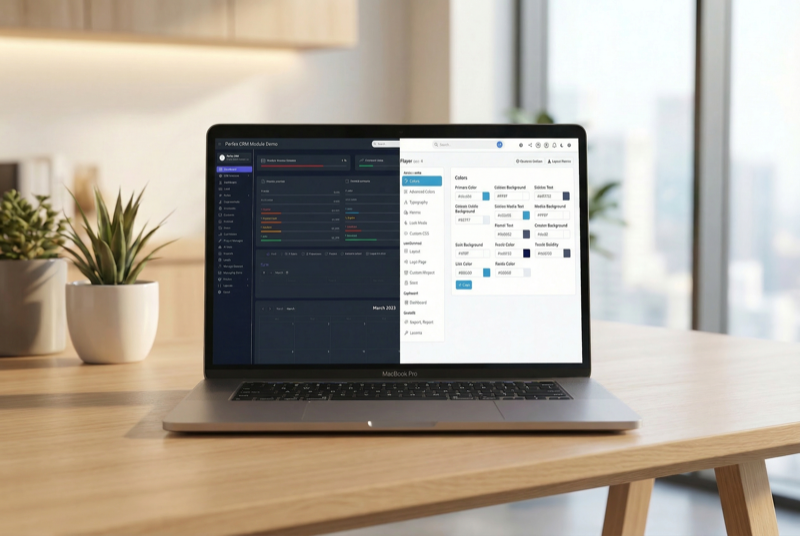
Make Perfex CRM feel like your own — themes, dark mode, a custom dashboard and Cmd+K speed

Assign contacts to multiple companies with roles