
AI Suite
Bring OpenAI, Claude, Gemini, or any of 200+ OpenRouter models into your self-hosted Perfex CRM, using your own API keys — no subscription.
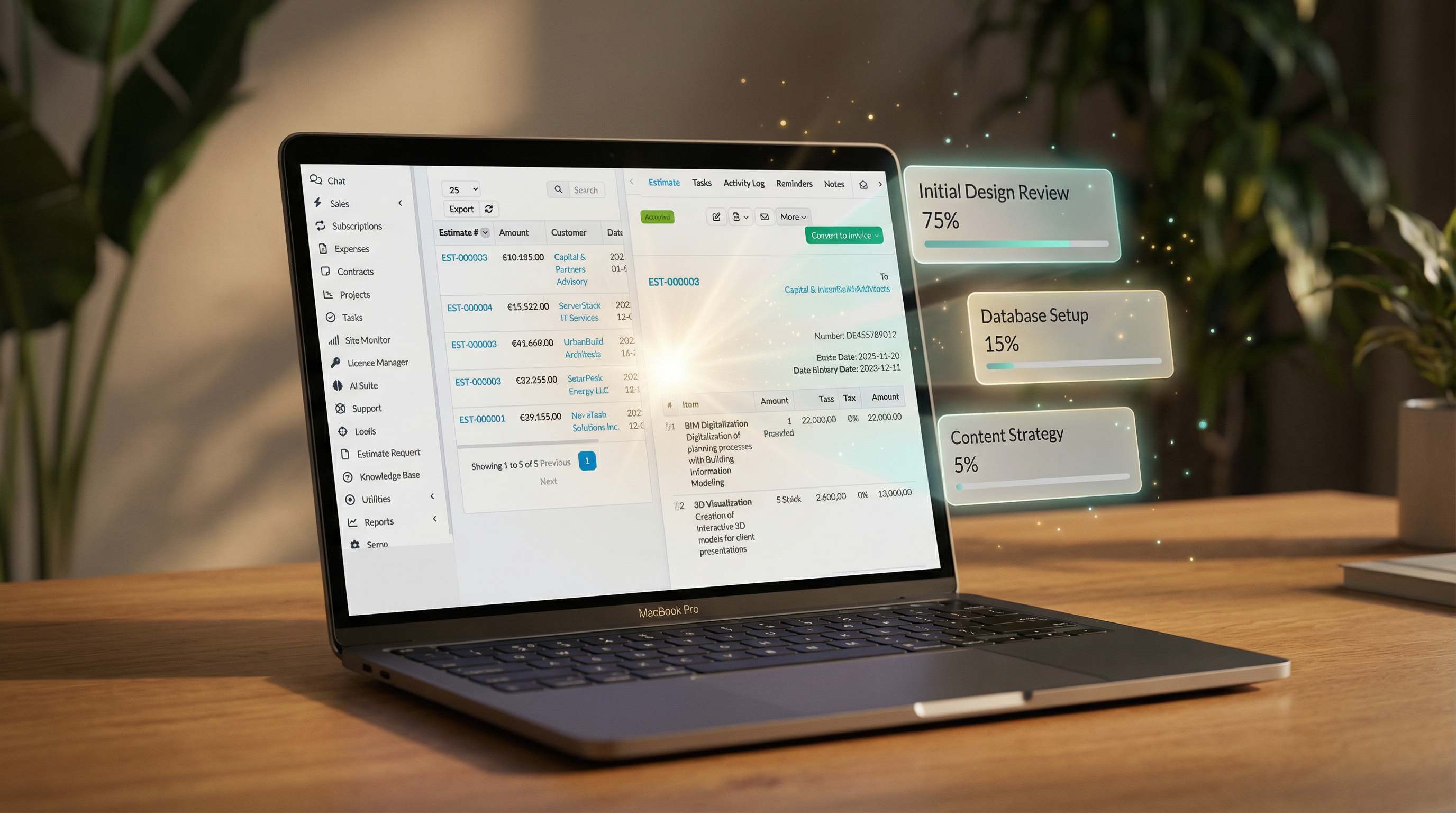
One click from an accepted estimate to a pre-filled project
Includes 6 months of support & lifetime updates · Extend Support — €19/year
The teaser in under a minute.
From an accepted estimate, open a new-project form with all the details already filled in — no copy-paste from the estimate.
Project name, deadline (from the estimate's expiry date), fixed cost (from the estimate total) and estimated hours (from the item quantities) are prefilled automatically. You just check and save.
The estimate's line items are placed as a clean, formatted list in the project description, so the full scope is right there when work starts.
The estimate's sales agent is automatically added as a project member, so ownership carries straight over.
Screenshots from the actual module running inside Perfex CRM.
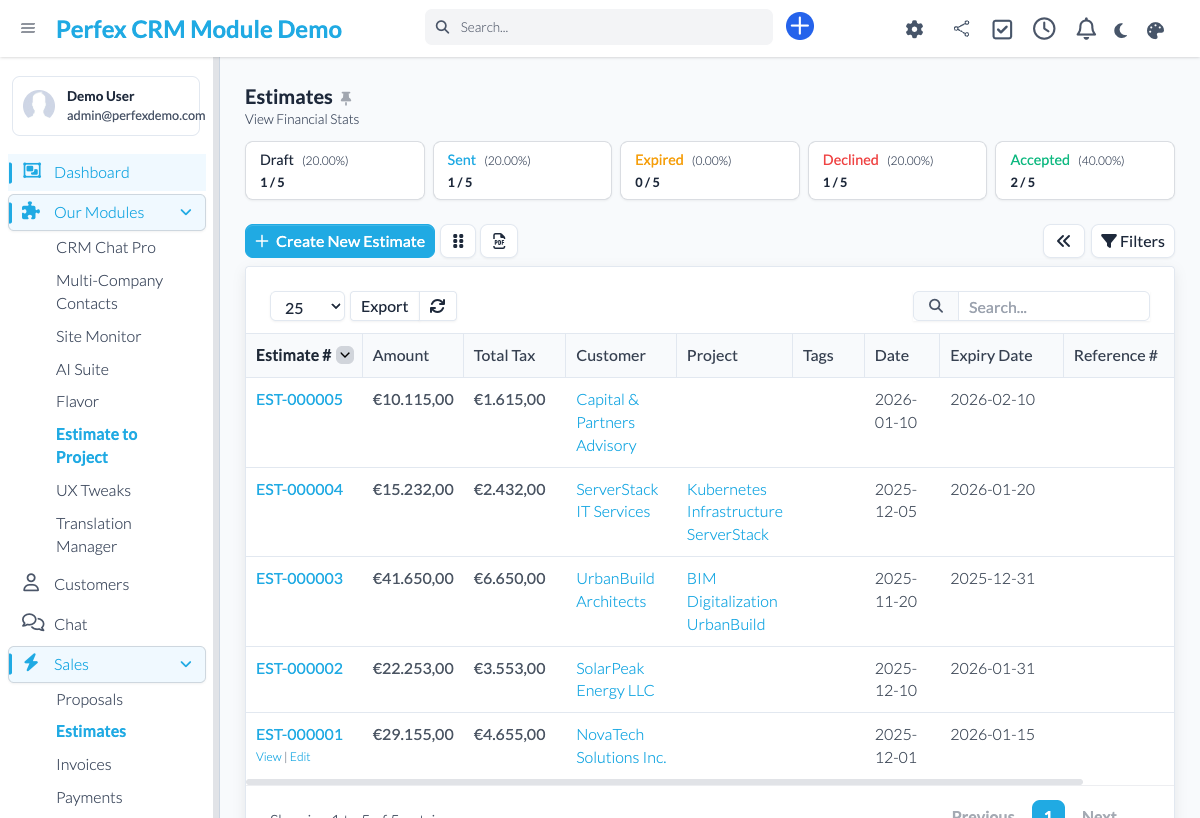
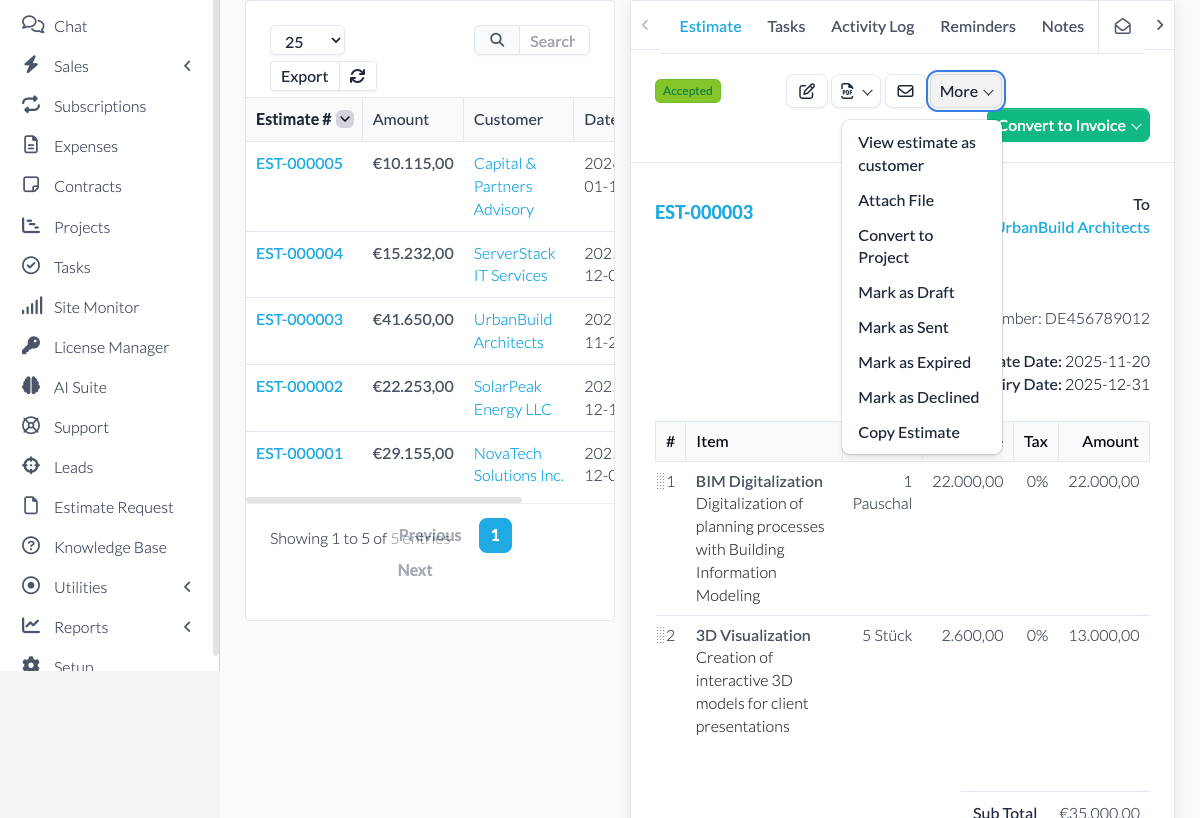
Stop retyping the same details every time an accepted estimate turns into a project. Estimate to Project opens the new-project form with everything already filled in from the estimate: the project name, the deadline from the estimate's expiry date, the budget from the estimate total, estimated hours from the item quantities, and your tags. The estimate's line items are added as a clean, formatted list in the project description, and the estimate's sales agent is set as a project member. You review, adjust anything you like, and save — no more copy-paste from the estimate.
Common questions about Estimate to Project.
When you convert an accepted estimate, the new-project form opens pre-filled: project name, deadline (from the estimate's expiry date), fixed cost (the estimate total), estimated hours (the sum of the item quantities) and tags. The estimate's line items are added as a formatted list in the project description, and the estimate's sales agent is set as a project member. You review everything and save.
No — and we want to be clear about that. The module prefills the standard Perfex project form and lists the estimate items in the project description; it does not create separate task records or milestones. You add tasks and milestones in Perfex as usual, with the full scope already documented in the project for you.
Yes. Any accepted estimate — created from scratch or from a template — can be converted. The prefill works exactly the same way.
The estimate stays unchanged and linked to the new project, so you can always reference it back from the project view.
Bring OpenAI, Claude, Gemini, or any of 200+ OpenRouter models into your self-hosted Perfex CRM, using your own API keys — no subscription.
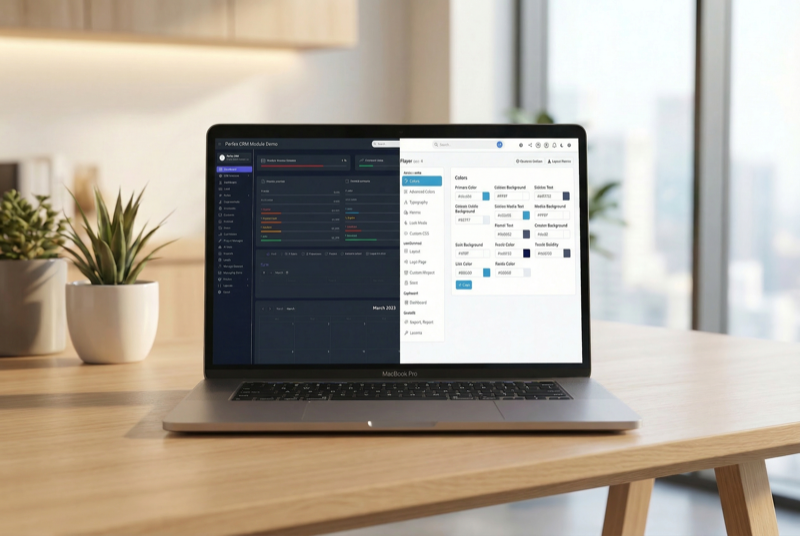
Make Perfex CRM feel like your own — themes, dark mode, a custom dashboard and Cmd+K speed

Assign contacts to multiple companies with roles