
AI Suite
Bring OpenAI, Claude, Gemini, or any of 200+ OpenRouter models into your self-hosted Perfex CRM, using your own API keys — no subscription.

Assign contacts to multiple companies with roles
Includes 6 months of support & lifetime updates · Extend Support — €19/year
The teaser in under a minute.
Link a single contact to as many companies as needed, each with a defined role.
Define custom roles like CEO, Consultant, Advisor — per company relationship.
See all company affiliations for any contact at a glance in a clear overview panel.
View all associated contacts and their roles directly from the company profile.
Works naturally with Perfex CRM existing contact and company views.
Screenshots from the actual module running inside Perfex CRM.

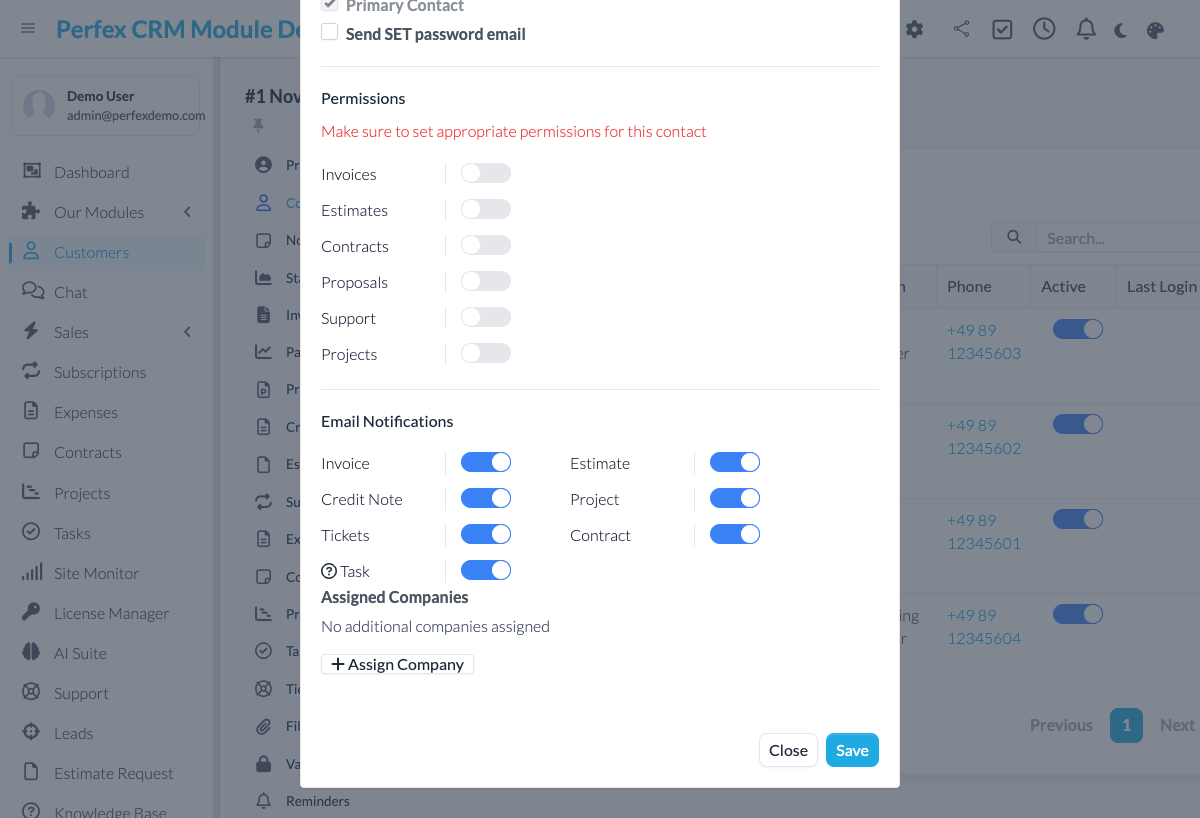
Break free from the one-contact-one-company limitation. Assign any contact to multiple companies with specific roles — perfect for consultants, agencies, and enterprise clients who work across organizations.
Common questions about Multi-Company Contacts.
By default, Perfex CRM assigns each contact to exactly one company. Multi-Company Contacts removes this limitation, letting you link a contact to multiple companies with different roles.
No. All existing contact-company relationships are preserved. The module adds the ability to create additional assignments — it does not change or remove existing ones.
Yes. You can create any number of custom roles (e.g., CEO, Consultant, Board Member, Advisor). Roles are defined in the module settings and are available globally.
By default, additional company links are informational — the existing primary company (used for invoicing, projects, etc.) is untouched, so nothing changes in your billing. If you deliberately set a different company as primary, the module warns you first, since that switch does affect which company future invoices and estimates belong to.
No. A contact can be assigned to as many companies as needed, each with its own role.
Get Multi-Company Contacts and install it in minutes.
Bring OpenAI, Claude, Gemini, or any of 200+ OpenRouter models into your self-hosted Perfex CRM, using your own API keys — no subscription.
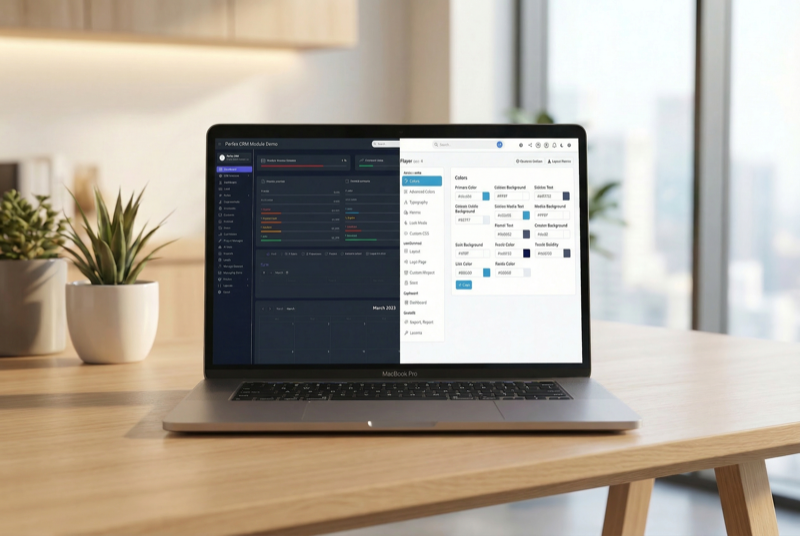
Make Perfex CRM feel like your own — themes, dark mode, a custom dashboard and Cmd+K speed

WordPress maintenance for your client sites — monitor, update, back up and report, all from Perfex CRM