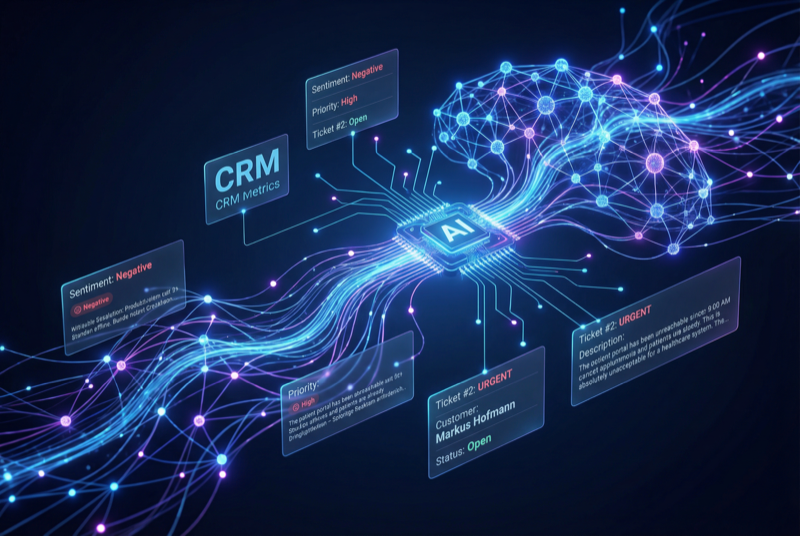
AI Suite
Bring OpenAI, Claude, Gemini, or any of 200+ OpenRouter models into your self-hosted Perfex CRM, using your own API keys — no subscription.
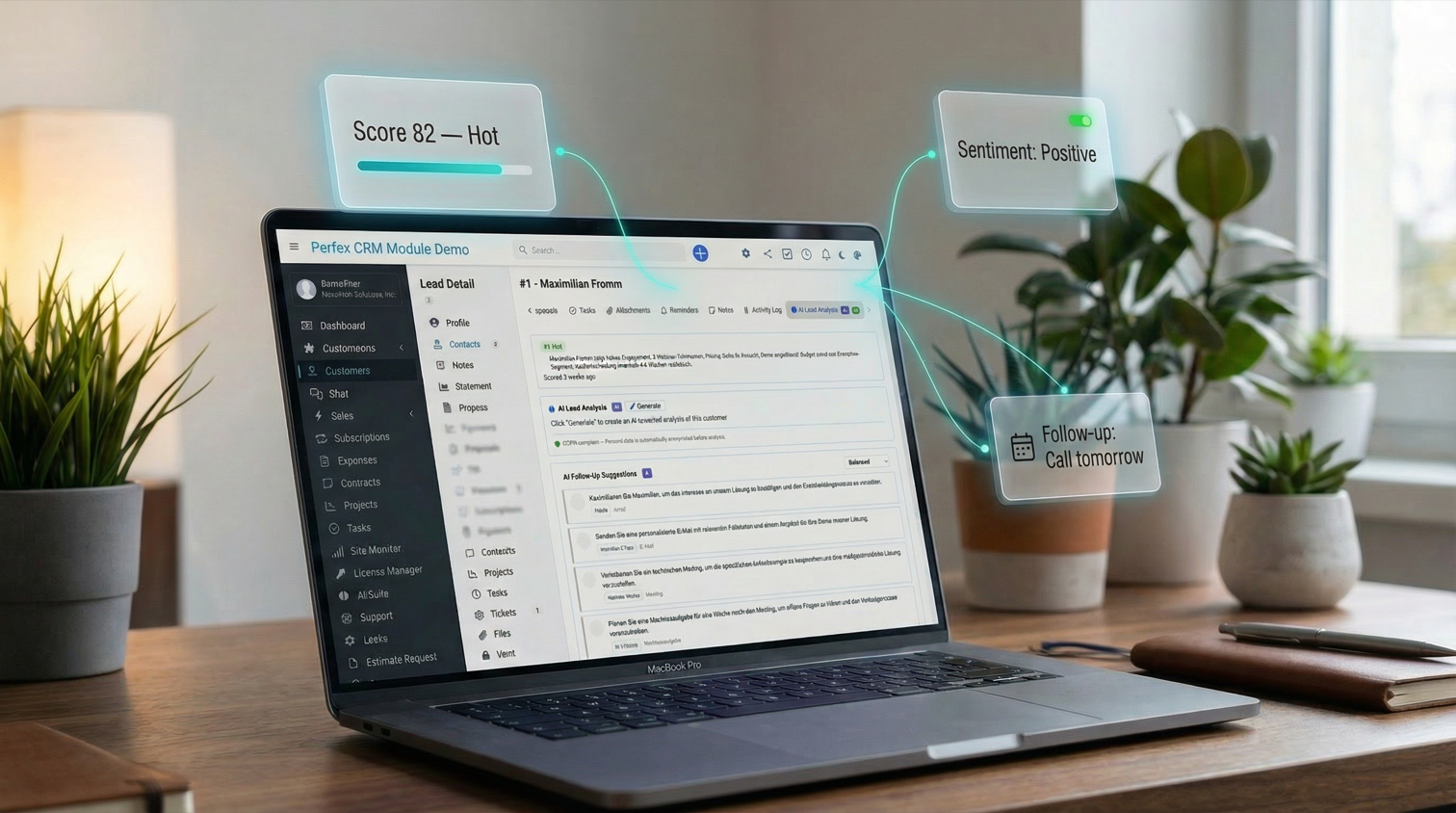
Customer 360, lead scoring, sentiment analysis, and follow-up suggestions
Includes 6 months of support & lifetime updates · Extend Support — €19/year
The teaser in under a minute.
Comprehensive AI client analysis — payment behavior, relationship health, revenue trends, risks, and recommendations. Results stream in real time via SSE.
Automatic AI scoring (0-100) with hot/warm/cold labels. Score badges appear on kanban cards. Batch-score all unscored leads at once.
Detailed AI lead analysis with quality assessment, strengths, concerns, and recommended next steps. Streamed in real time.
Automatically detect positive, neutral, or negative sentiment on new tickets, replies and notes for instant mood tracking — no manual trigger needed.
AI generates prioritized follow-up action cards — calls, emails, meetings, and tasks — based on client and lead context.
Configure tone (formal, informal, neutral) and custom instructions per client. The AI adapts its communication style accordingly.
Steer the follow-up suggestions with a focus switch — Balanced, Sales, Support or Detail. Get sales-driven next steps for a hot lead, or support-oriented ones for a ticket-heavy client.
A thumbs-up / thumbs-down bar with a comment field sits on every AI result. Tell the AI what worked and what did not, and keep a record of quality over time.
Screenshots from the actual module running inside Perfex CRM.
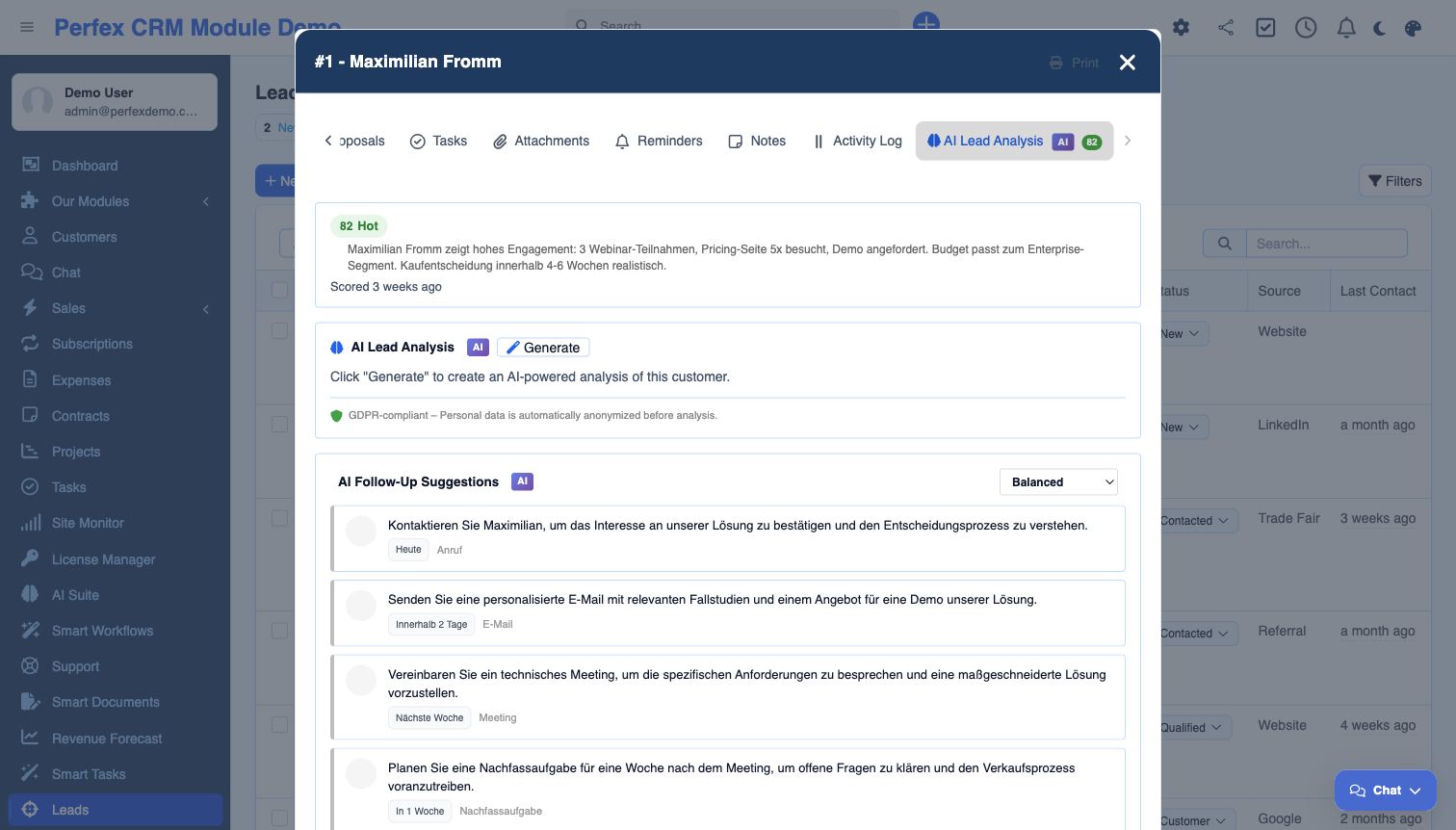
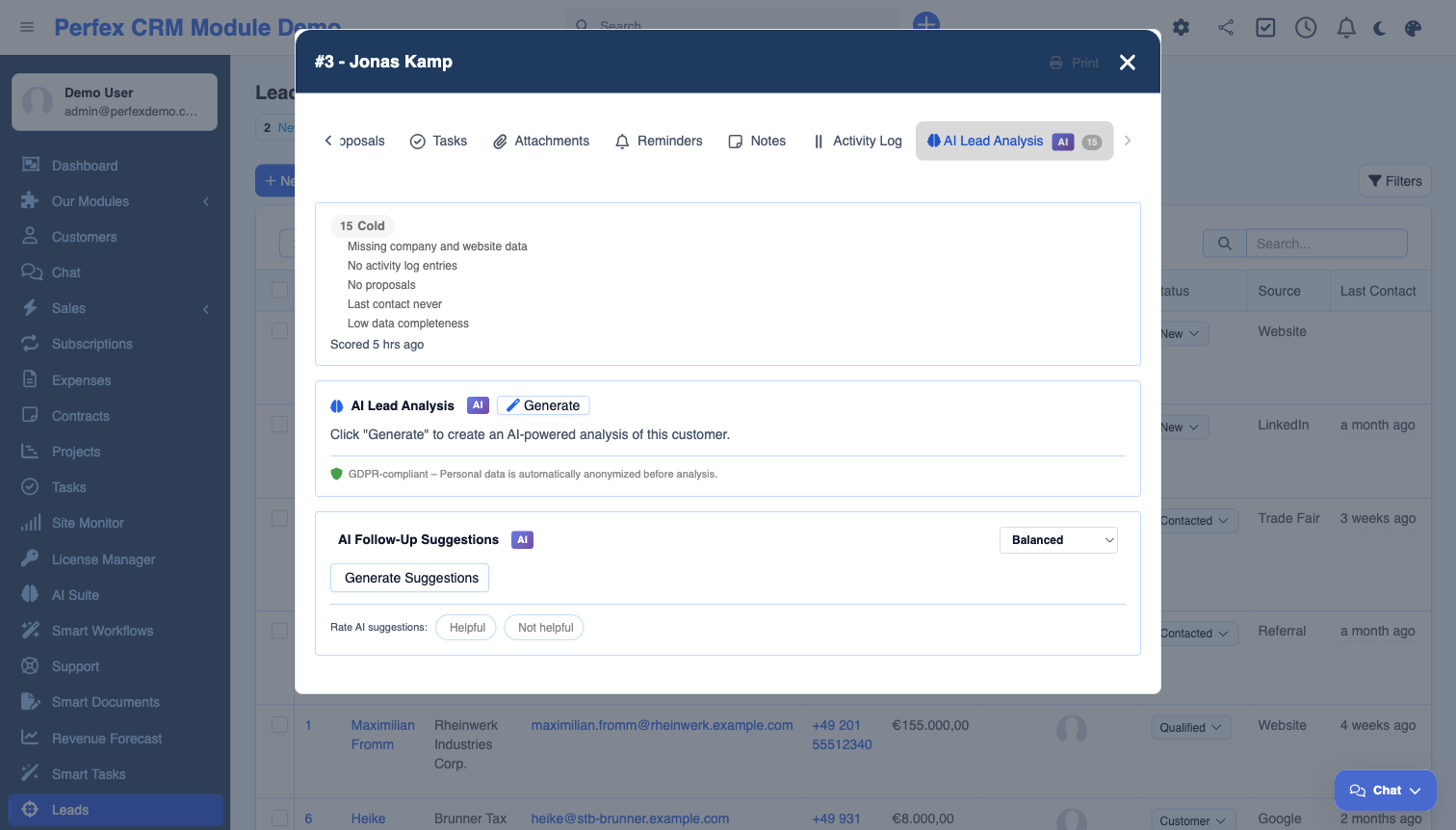
The essential AI Insights add-on for AI Suite. Get a real-time Customer 360 analysis for every client, automatic lead scoring with kanban badges, sentiment detection on tickets and interactions, and AI-generated follow-up suggestions with priority-ranked action cards. Features Server-Sent Events streaming for instant results and per-client tone and instruction customization.
Common questions about AI Suite — Insights.
Yes. AI Insights is an add-on module that requires AI Suite Core to be installed and configured. AI Suite Core handles the AI provider connection, and Insights uses it for all analysis features.
Customer 360 generates a comprehensive AI profile for each client by analyzing their invoices, projects, support tickets, estimates, and proposals. It provides insights on payment behavior, relationship health, revenue trends, risks, and actionable recommendations — all streamed in real time.
The AI analyzes each lead based on source, status, value, communication history, and engagement patterns. It assigns a score from 0-100 with a hot (70+), warm (40-69), or cold (0-39) label. Scores appear as colored badges on your lead kanban board.
The AI analyzes client or lead context and generates prioritized action cards — recommended calls, emails, meetings, or tasks. Each card includes a priority level and brief description of why the follow-up is recommended.
Yes. On each client AI tab, you can set the communication tone (formal with "we", formal with "I", informal "du", or neutral) and add custom instructions. The AI adapts its responses accordingly.
Yes. Sentiment analysis runs automatically on new tickets, on ticket replies and on notes, and shows the result as a colored badge (positive, neutral, or negative) on the ticket. You can also trigger it manually on any ticket that has not been analyzed yet.
Yes. The follow-up widget has a focus switch — Balanced, Sales, Support or Detail. Set it to Sales and the AI leans toward closing and next sales steps; set it to Support and it leans toward service and issue resolution. You choose per situation.
Bring OpenAI, Claude, Gemini, or any of 200+ OpenRouter models into your self-hosted Perfex CRM, using your own API keys — no subscription.
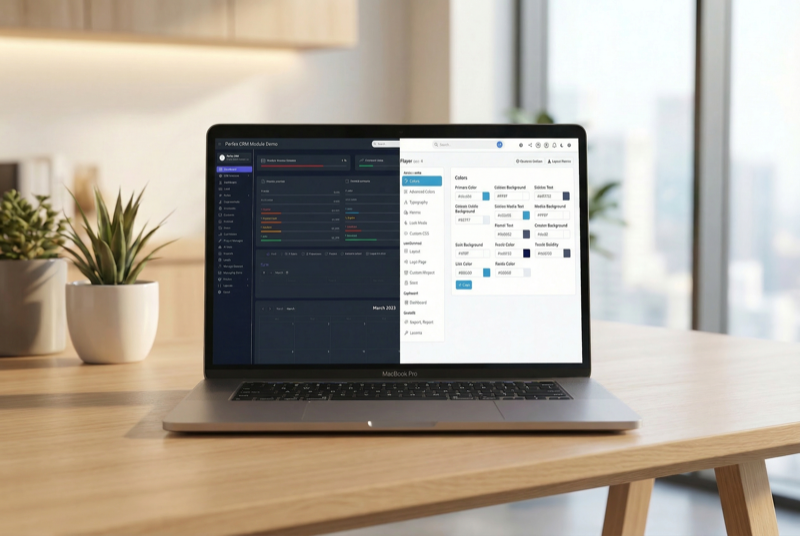
Make Perfex CRM feel like your own — themes, dark mode, a custom dashboard and Cmd+K speed

Assign contacts to multiple companies with roles