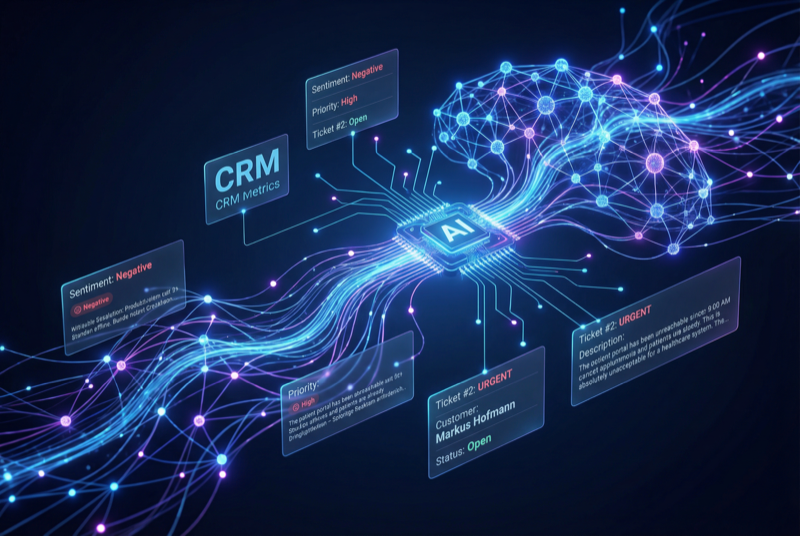
AI Suite
Complete AI platform for Perfex CRM — Customer 360, ticket analysis, lead scoring, and real-time streaming
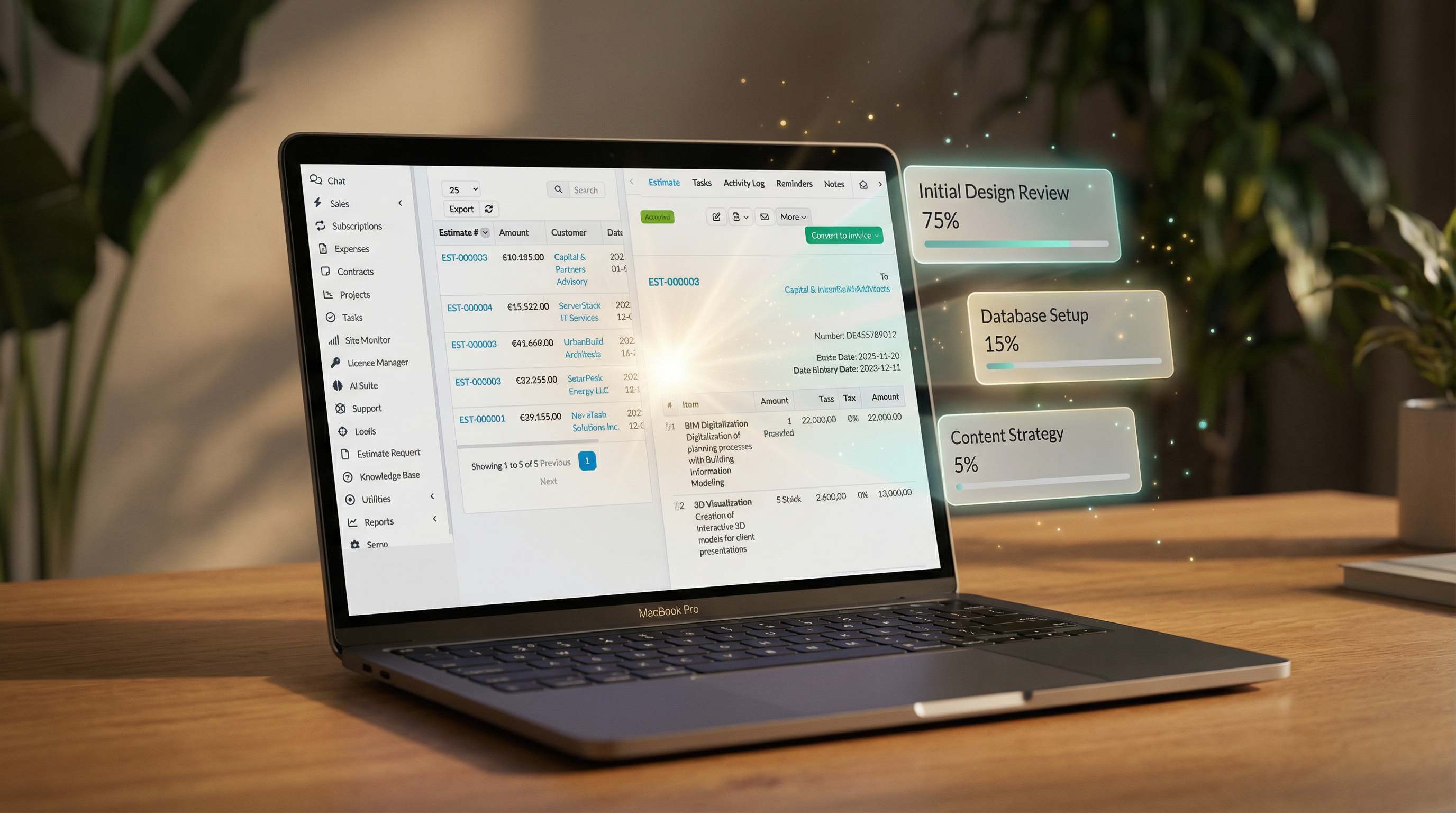
One-click conversion from estimates to projects
Includes 6 months of support & lifetime updates · Extend Support — €19/year
Convert an accepted estimate into a project with a single click.
Estimate items are automatically mapped to project tasks with descriptions and assignees.
Group estimate sections into project milestones automatically.
Pre-assign team members during conversion based on configurable rules.
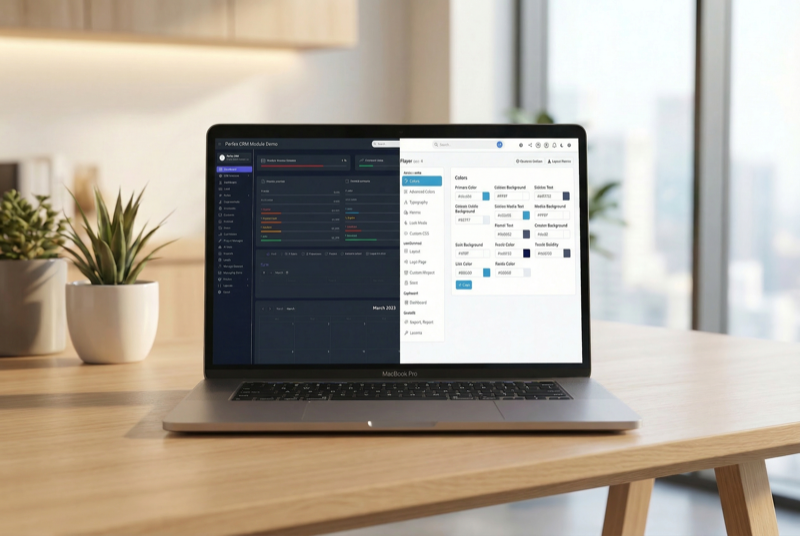
Screenshots from the actual module running inside Perfex CRM.
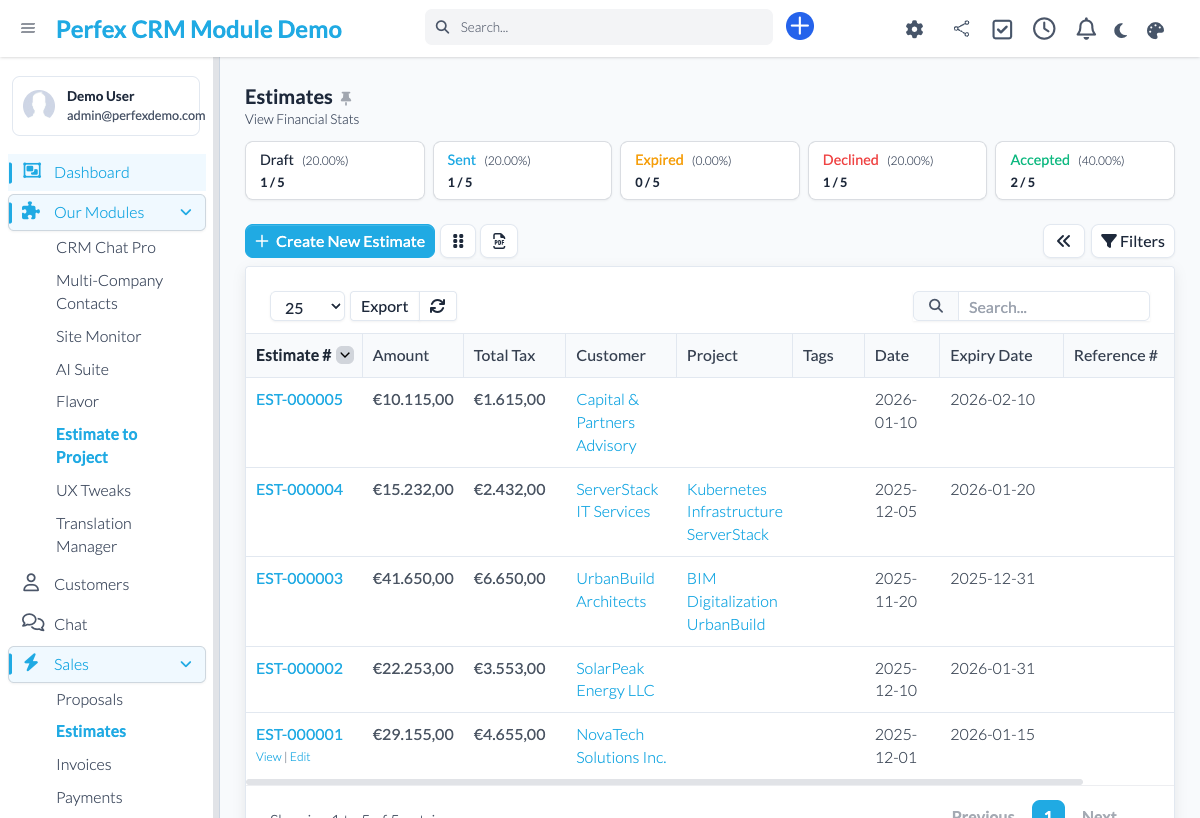
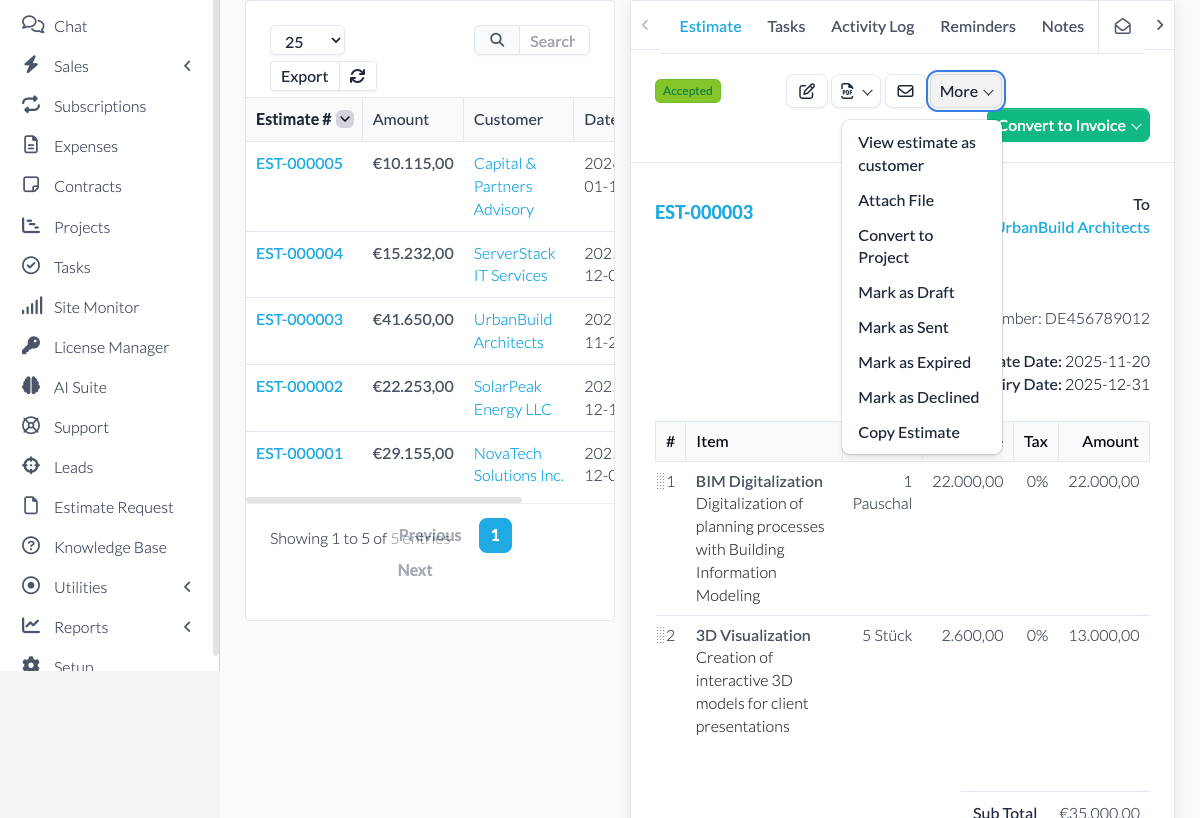
Stop manually recreating project structures from accepted estimates. With one click, convert any estimate into a fully configured project with tasks, milestones, and team assignments — saving hours of repetitive setup work.
Common questions about Estimate to Project.
Estimate items become project tasks. Item descriptions, quantities, and groupings are preserved. If your estimate has grouped sections, they become project milestones.
The module converts all accepted estimate items by default. After conversion, you can modify the project structure as needed — remove tasks, adjust milestones, etc.
Yes. Any estimate — whether created from scratch or from a template — can be converted to a project. The conversion process is the same.
The estimate remains unchanged and linked to the new project. You can always reference back to the original estimate from the project view.
Get Estimate to Project and install it in minutes.
Complete AI platform for Perfex CRM — Customer 360, ticket analysis, lead scoring, and real-time streaming
Admin theme engine with presets, dark mode, and PWA support

Assign contacts to multiple companies with roles