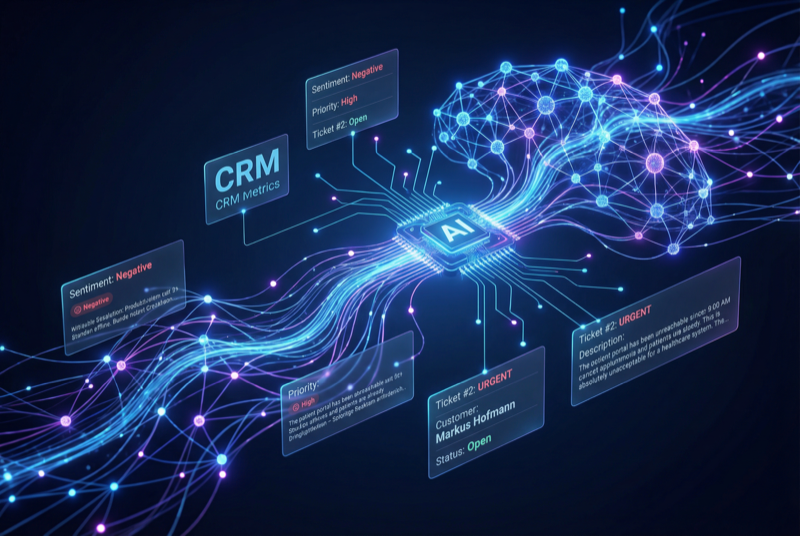
AI Suite
Complete AI platform for Perfex CRM — Customer 360, ticket analysis, lead scoring, and real-time streaming
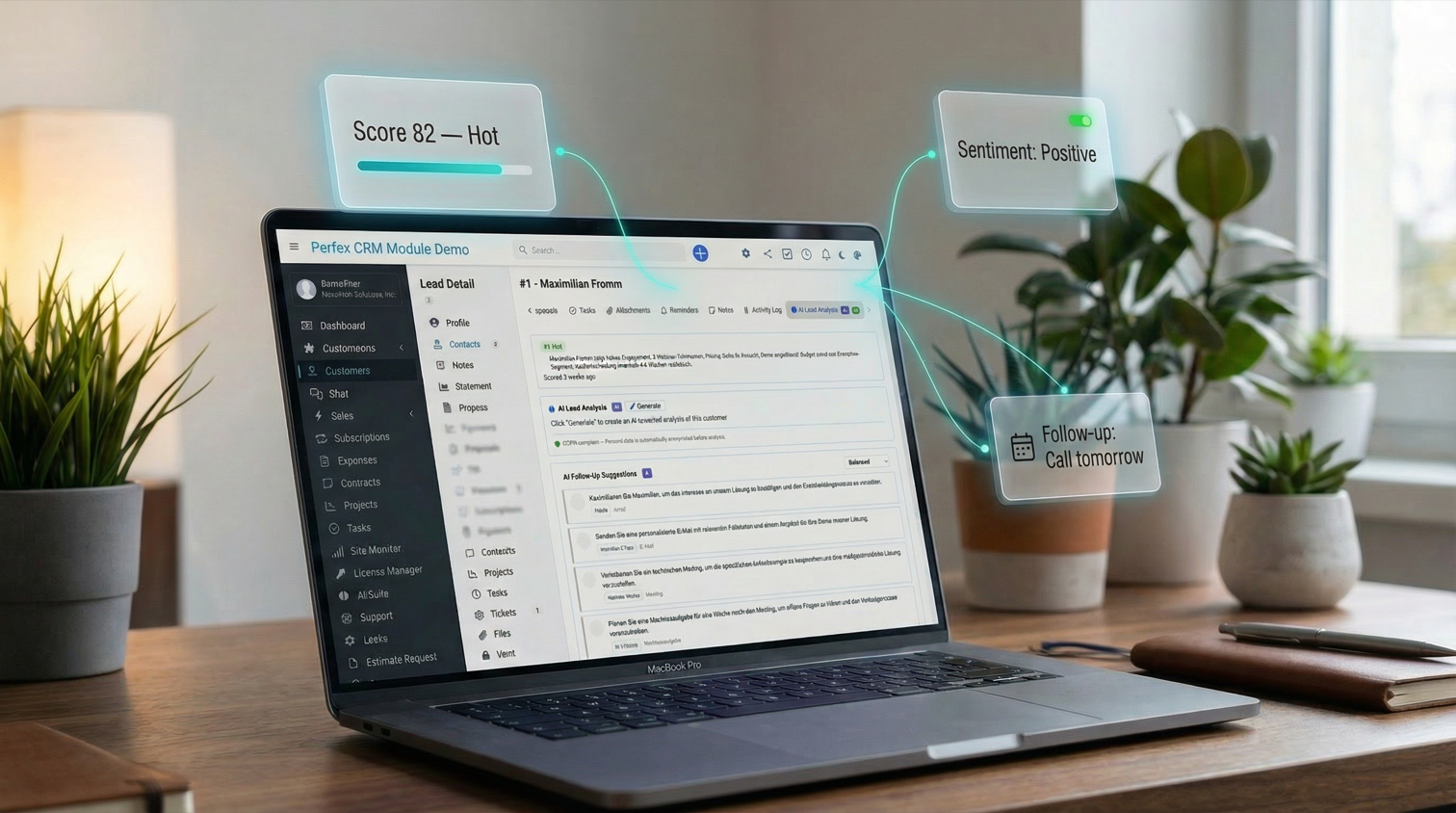
Customer 360, lead scoring, sentiment analysis, and follow-up suggestions
Includes 6 months of support & lifetime updates · Extend Support — €19/year
Comprehensive AI client analysis — payment behavior, relationship health, revenue trends, risks, and recommendations. Results stream in real time via SSE.
Automatic AI scoring (0-100) with hot/warm/cold labels. Score badges appear on kanban cards. Batch-score all unscored leads at once.
Detailed AI lead analysis with quality assessment, strengths, concerns, and recommended next steps. Streamed in real time.
Detect positive, neutral, or negative sentiment on tickets and customer interactions for instant mood tracking.
AI generates prioritized follow-up action cards — calls, emails, meetings, and tasks — based on client and lead context.
Configure tone (formal, informal, neutral) and custom instructions per client. The AI adapts its communication style accordingly.
Screenshots from the actual module running inside Perfex CRM.
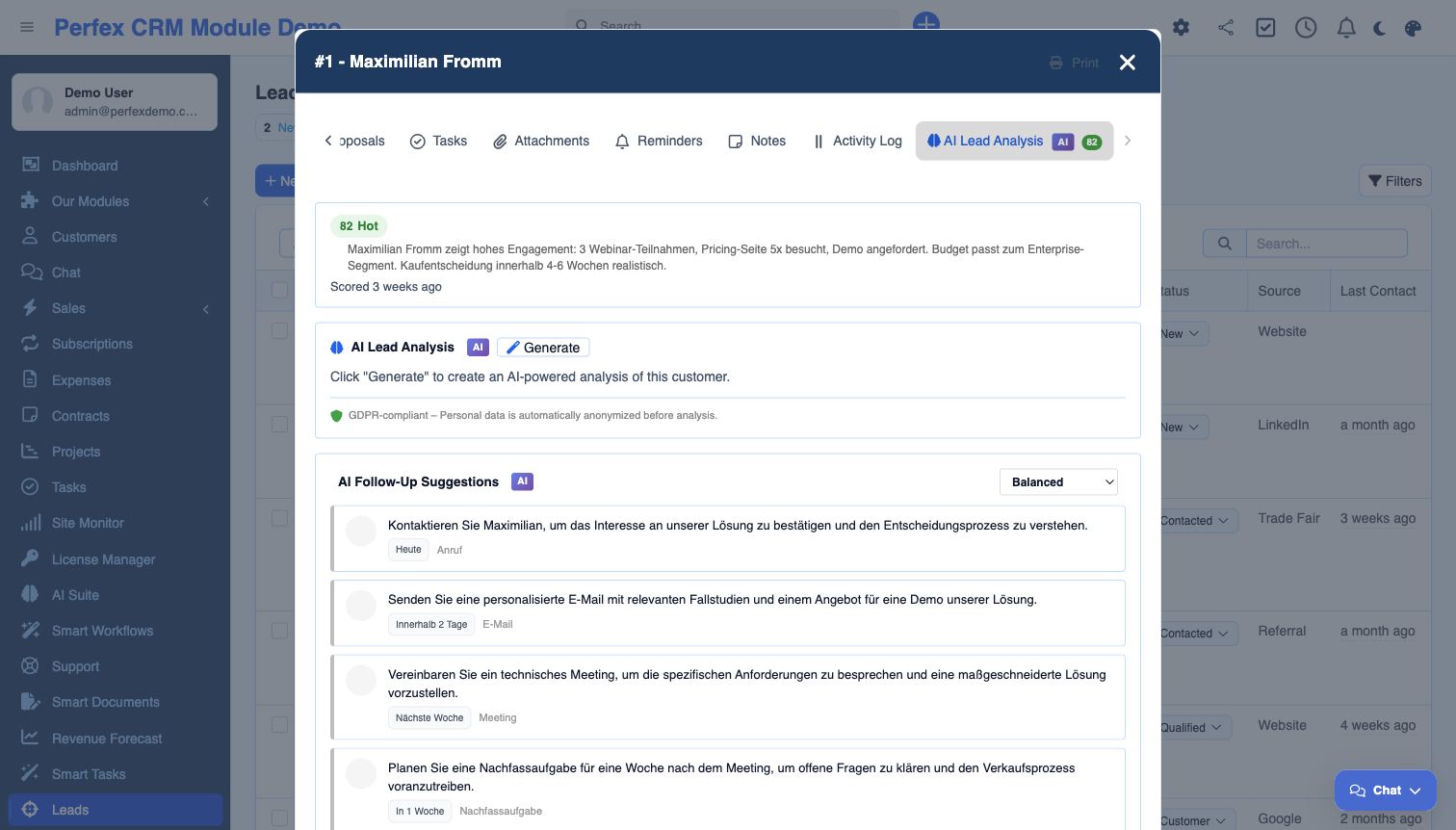
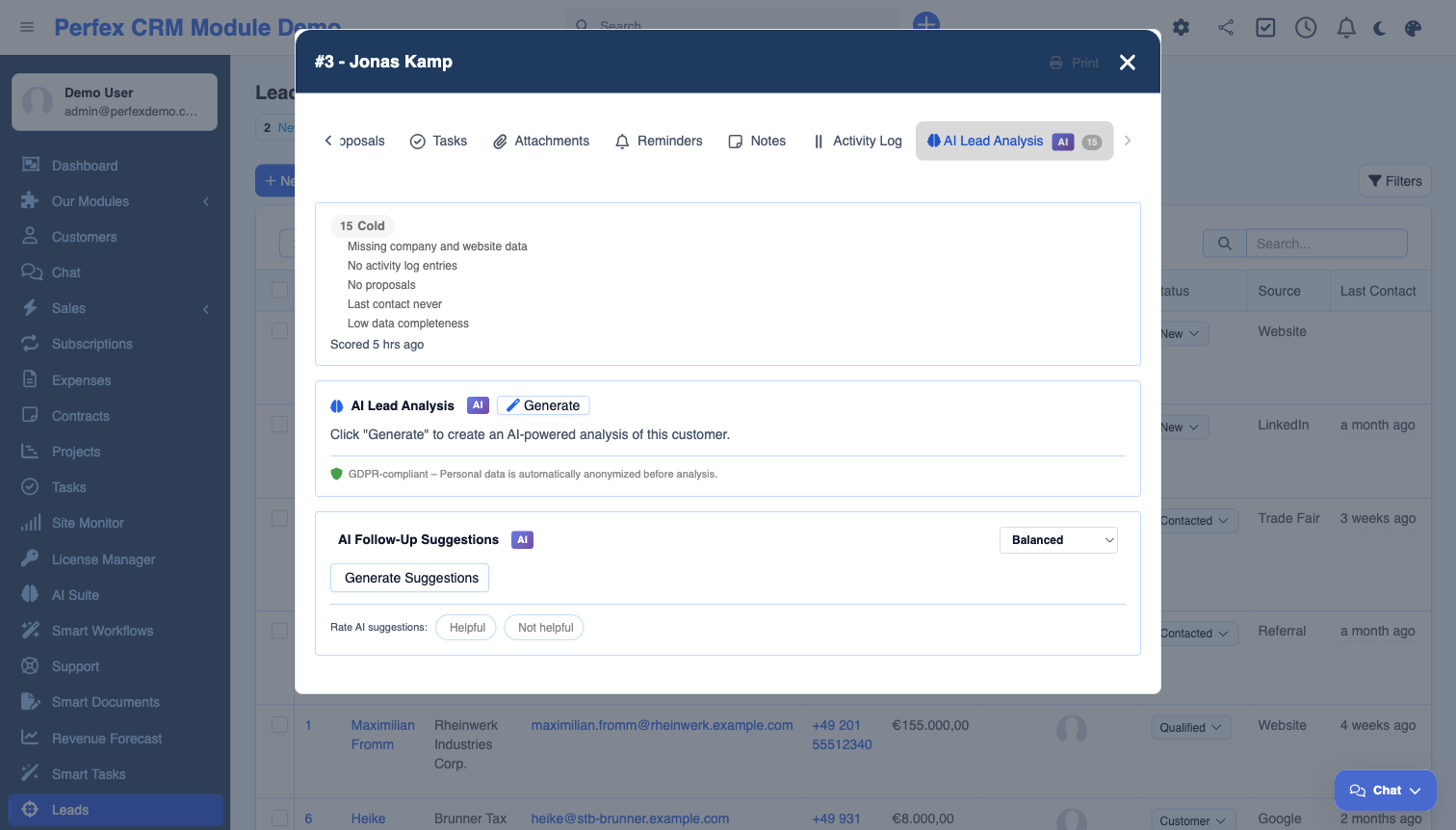
The essential AI Insights add-on for AI Suite. Get a real-time Customer 360 analysis for every client, automatic lead scoring with kanban badges, sentiment detection on tickets and interactions, and AI-generated follow-up suggestions with priority-ranked action cards. Features Server-Sent Events streaming for instant results and per-client tone and instruction customization.
Common questions about AI Suite — Insights.
Yes. AI Insights is an add-on module that requires AI Suite Core to be installed and configured. AI Suite Core handles the AI provider connection, and Insights uses it for all analysis features.
Customer 360 generates a comprehensive AI profile for each client by analyzing their invoices, projects, support tickets, estimates, and proposals. It provides insights on payment behavior, relationship health, revenue trends, risks, and actionable recommendations — all streamed in real time.
The AI analyzes each lead based on source, status, value, communication history, and engagement patterns. It assigns a score from 0-100 with a hot (70+), warm (40-69), or cold (0-39) label. Scores appear as colored badges on your lead kanban board.
The AI analyzes client or lead context and generates prioritized action cards — recommended calls, emails, meetings, or tasks. Each card includes a priority level and brief description of why the follow-up is recommended.
Yes. On each client AI tab, you can set the communication tone (formal with "we", formal with "I", informal "du", or neutral) and add custom instructions. The AI adapts its responses accordingly.
Sentiment analysis can be triggered manually on any ticket. It detects whether the overall tone is positive, neutral, or negative and shows the result as a colored badge on the ticket.
Get AI Suite — Insights and install it in minutes.
Complete AI platform for Perfex CRM — Customer 360, ticket analysis, lead scoring, and real-time streaming
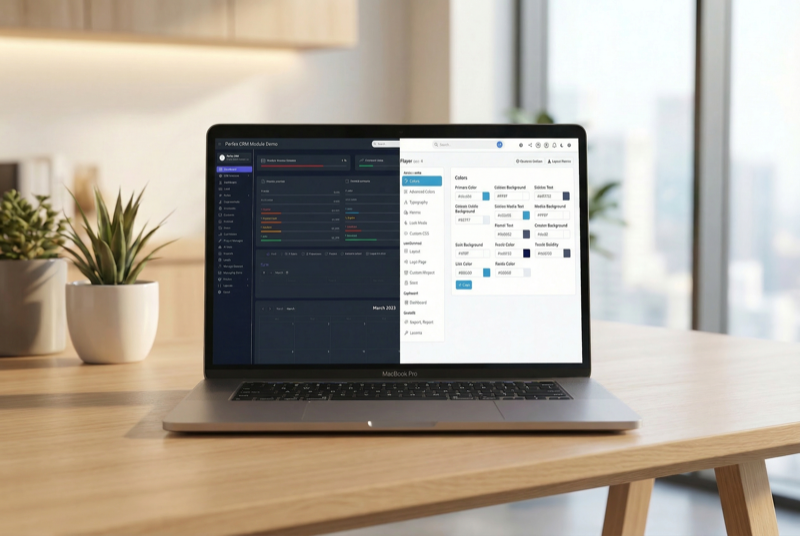
Admin theme engine with presets, dark mode, and PWA support

Assign contacts to multiple companies with roles