Estimate to Project Documentation
Getting Started
Follow these steps to get Estimate to Project up and running.
Install the Module
Upload via Setup > Modules > Install New Module and activate Estimate to Project.
Create or Open an Estimate
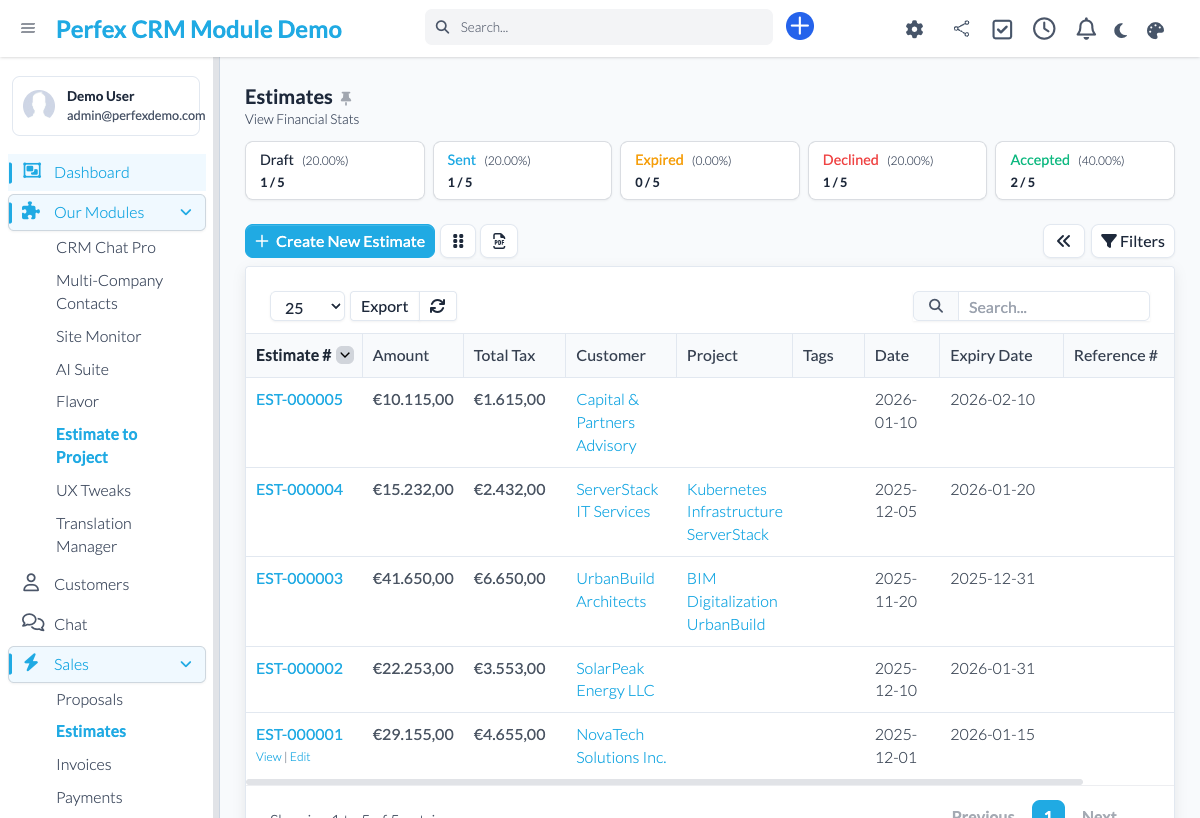
Navigate to Sales > Estimates. Open an existing estimate or create a new one with line items that represent your project tasks.
Convert to Project
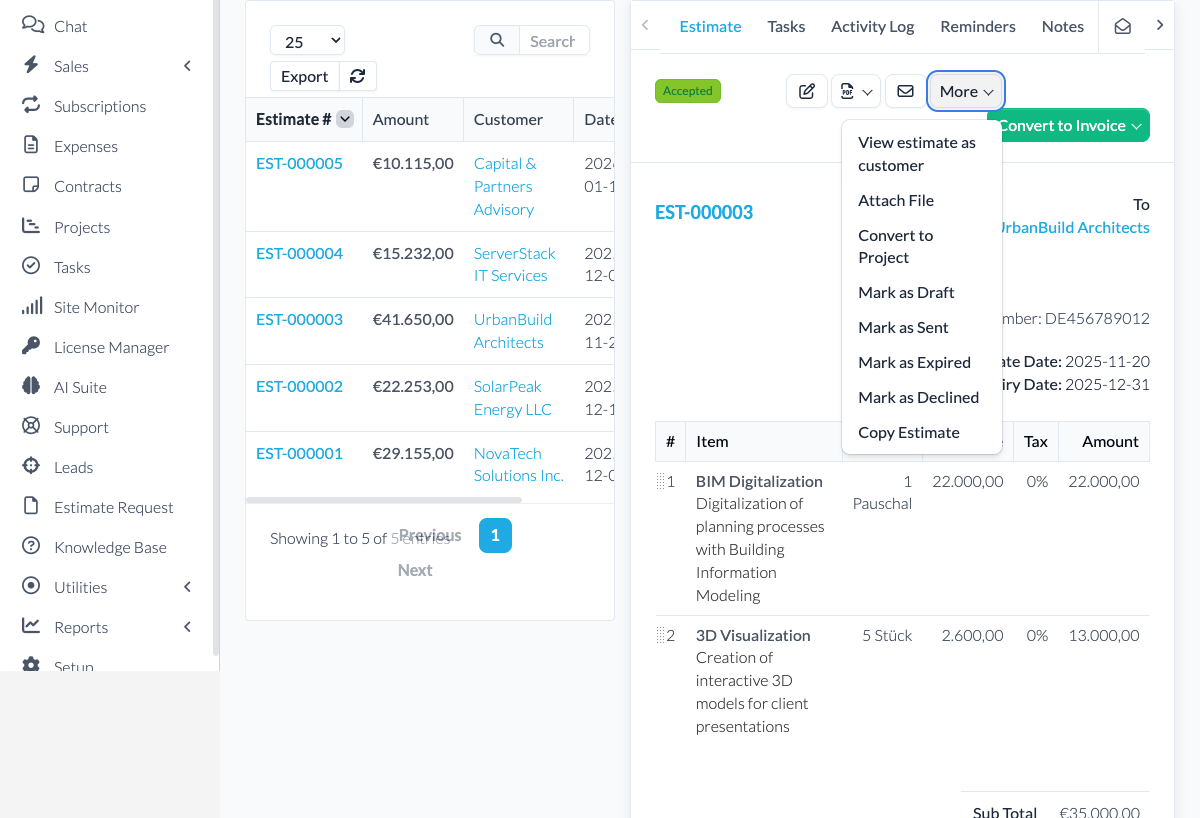
Once the estimate is accepted, click the "Convert to Project" button. Configure project settings (name, start date, team) and click Create.
Download Diagnostics Report
If you need support, go to the module admin page and click the "Download Diagnostics" link. This generates a JSON file with system info, PHP version, installed modules, and recent errors (secrets are automatically redacted). Upload this file when creating a support ticket at custom-perfexcrm.com/support/ for faster troubleshooting.

Tips & Tricks
Get the most out of Estimate to Project with these tips.
Structure estimates for conversion
Use estimate item groups as logical project phases. When converted, these become milestones — giving your project structure from day one.
Add detailed descriptions
The more detail you put in estimate item descriptions, the better your project tasks will be. Team members get clear instructions without extra setup.
Use diagnostics for faster support
When creating a support ticket, download and attach the diagnostics report from your module settings. It contains system info, PHP version, database details, and recent errors — all with secrets automatically redacted. This helps resolve your issue much faster.
Frequently Asked Questions
What gets converted from the estimate?
Estimate items become project tasks. Item descriptions, quantities, and groupings are preserved. If your estimate has grouped sections, they become project milestones.
Can I choose which items to convert?
The module converts all accepted estimate items by default. After conversion, you can modify the project structure as needed — remove tasks, adjust milestones, etc.
Does it work with estimate templates?
Yes. Any estimate — whether created from scratch or from a template — can be converted to a project. The conversion process is the same.
What happens to the original estimate?
The estimate remains unchanged and linked to the new project. You can always reference back to the original estimate from the project view.
Need More Help?
Contact our support team or visit the module page for more information.