AI Suite — Revenue Forecast Documentation
Video Tutorial
With clickable chapters — click a chapter to jump straight to it.
Getting Started
Follow these steps to get AI Suite — Revenue Forecast up and running.
Install Prerequisites
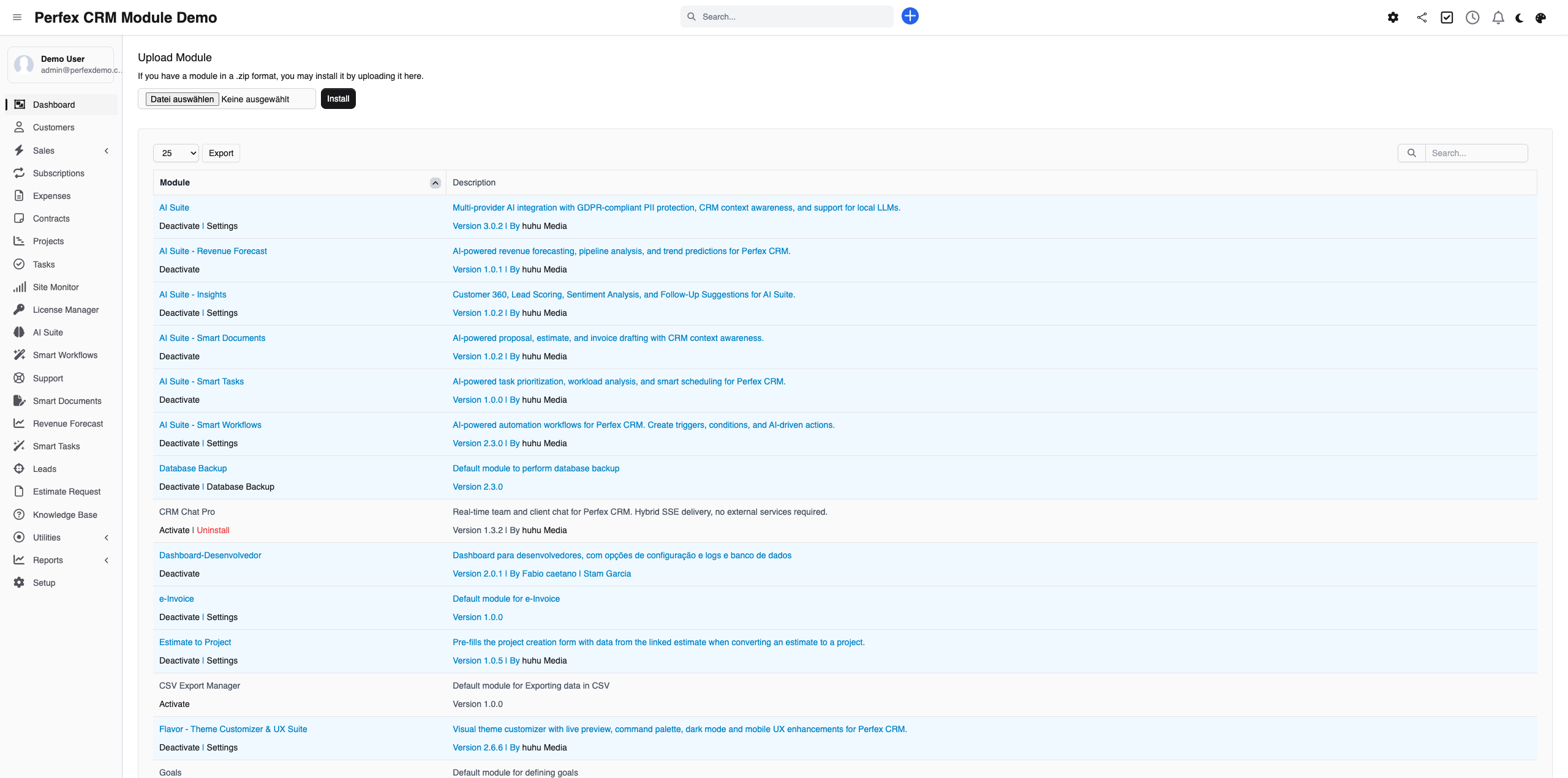
Ensure AI Suite Core is installed and configured. Then upload and activate Revenue Forecast via Setup > Modules.
Open the Dashboard
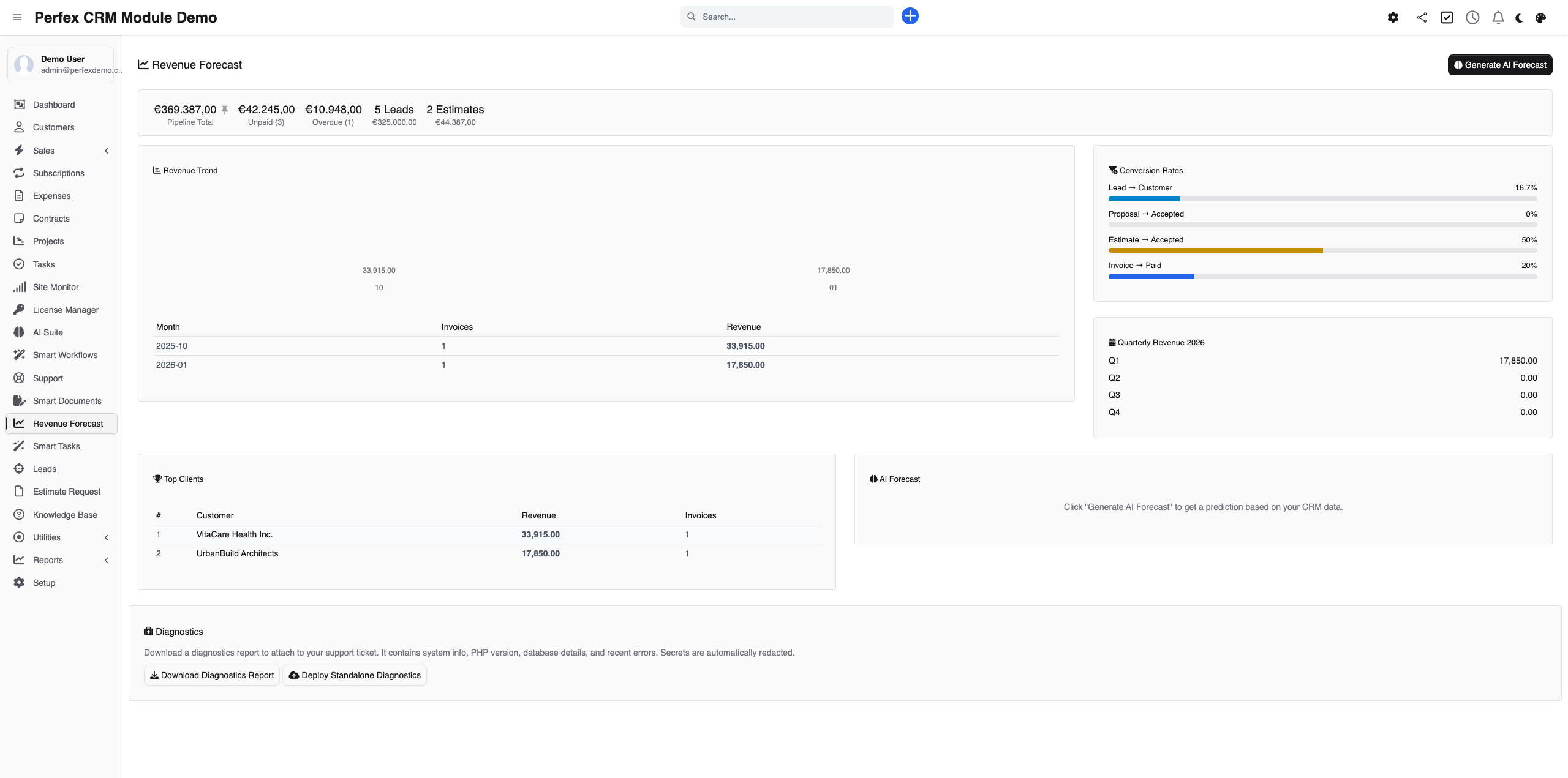
Navigate to Revenue Forecast in the sidebar menu. The dashboard shows your pipeline KPIs, monthly trends, conversion rates, and top clients — all calculated from your CRM data.
Generate AI Forecast
Click "Generate AI Forecast" and select a period (next quarter or next month). The AI analyzes all pipeline data and returns a prediction with confidence score, trend analysis, risks, and opportunities.

Download Diagnostics Report
If you need support, go to the module admin page and click the "Download Diagnostics" link. This generates a JSON file with system info, PHP version, installed modules, and recent errors (secrets are automatically redacted). Upload this file when creating a support ticket at custom-perfexcrm.com/support/ for faster troubleshooting.

Tips & Tricks
Get the most out of AI Suite — Revenue Forecast with these tips.
Keep your pipeline data clean
AI forecast quality depends on your data. Regularly update lead statuses, close won/lost deals, and ensure invoices are marked as paid. Better data means better predictions.
Review conversion rates monthly
The conversion rates panel shows your sales funnel efficiency. A dropping lead win rate or proposal acceptance rate is an early warning sign that needs attention.
Use the dashboard mini widget
Revenue Forecast adds a mini widget to your main CRM dashboard with key pipeline numbers. Check it daily for a quick pulse on your business.
Use diagnostics for faster support
When creating a support ticket, download and attach the diagnostics report from your module settings. It contains system info, PHP version, database details, and recent errors — all with secrets automatically redacted. This helps resolve your issue much faster.
Frequently Asked Questions
Does Revenue Forecast require AI Suite Core?
Yes. Revenue Forecast is an add-on that requires AI Suite Core for AI provider access. The dashboard and data analysis work without AI, but generating AI predictions requires a configured provider.
What data is used for forecasting?
The module analyzes your pipeline summary (active leads, open proposals, estimates, unpaid invoices), 12-month revenue history, quarterly breakdowns, conversion rates (lead win rate, proposal/estimate acceptance, invoice paid rate), and top client revenue data.
How accurate are the AI predictions?
Accuracy depends on the quality and quantity of your CRM data and the AI model used. Each prediction includes a confidence score (0-100%). For best results, use a premium AI model and ensure your CRM data is up to date. The dashboard data (trends, conversion rates) is always 100% accurate as it comes directly from your database.
Can I see historical forecasts?
Yes. Each generated forecast is saved with its predicted revenue, confidence score, factors, and AI analysis. You can review past forecasts to track prediction accuracy over time.
Does the dashboard work without AI?
Yes. The pipeline summary, monthly trends, quarterly revenue, conversion rates, and top clients sections all work purely from your CRM data — no AI needed. Only the "Generate AI Forecast" button requires an AI provider.
Need More Help?
Contact our support team or visit the module page for more information.