AI Suite — Smart Tasks Documentation
Video Tutorial
With clickable chapters — click a chapter to jump straight to it.
Getting Started
Follow these steps to get AI Suite — Smart Tasks up and running.
Install Prerequisites
Ensure AI Suite Core is installed and configured. Then upload and activate Smart Tasks via Setup > Modules.

Open the Dashboard
Navigate to Smart Tasks in the sidebar menu. The dashboard shows your task statistics, personal task list, and team workload distribution.
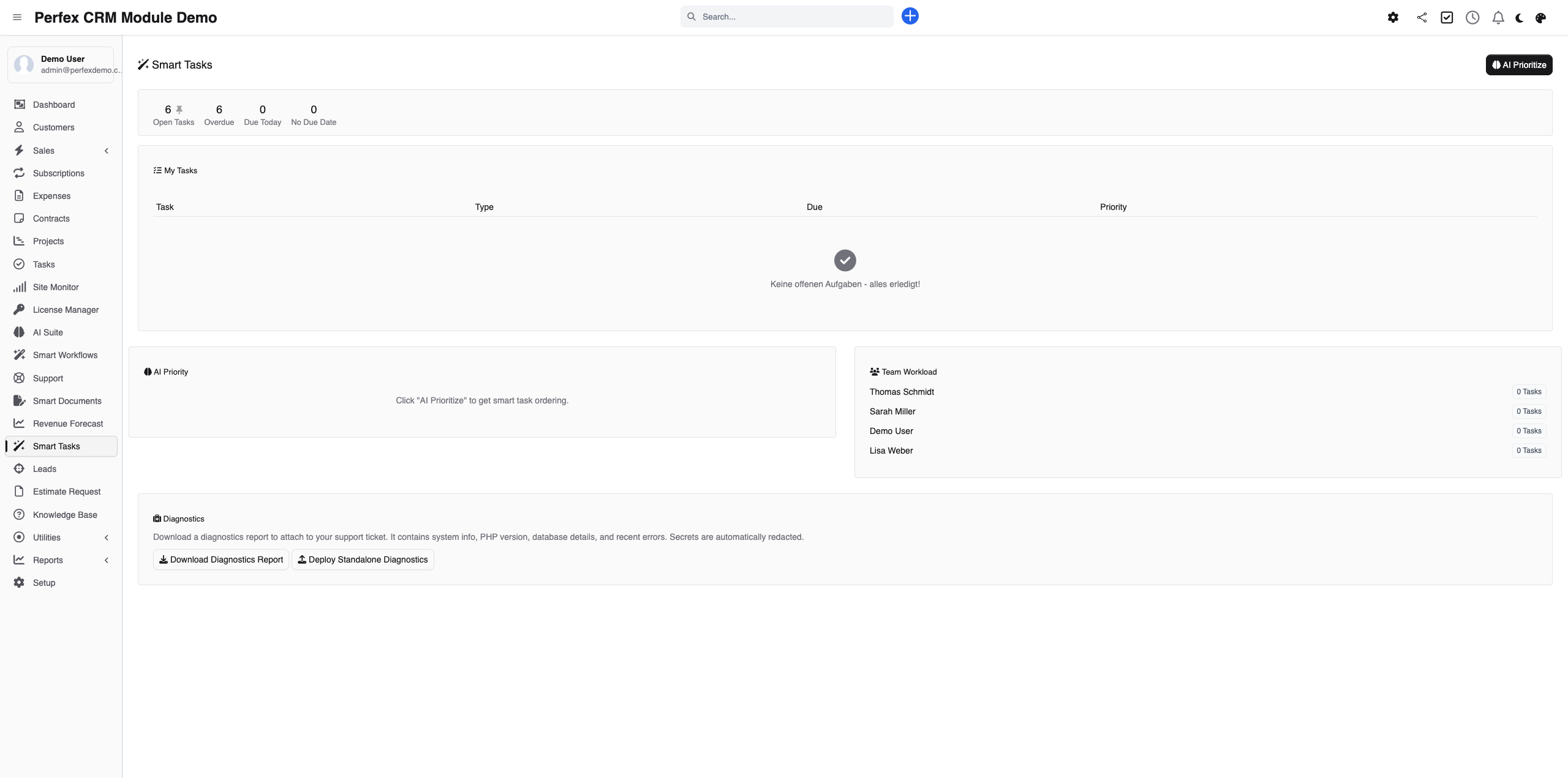
Generate AI Prioritization
Click "Prioritize with AI" to get an optimal task order. The AI analyzes your assigned open tasks and returns a prioritized list with urgency levels, quick wins, and bottleneck warnings.
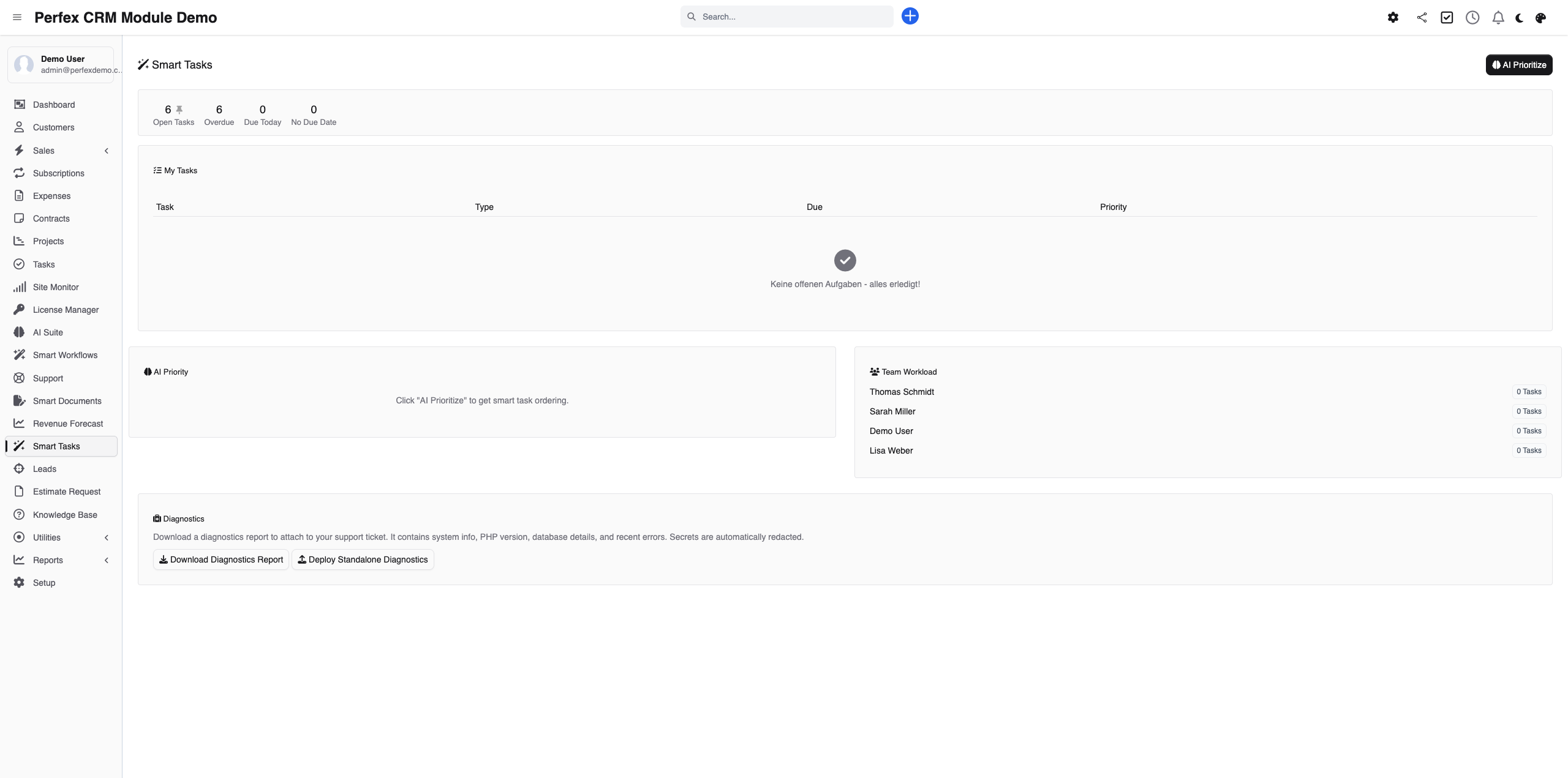
Download Diagnostics Report
If you need support, go to the module admin page and click the "Download Diagnostics" link. This generates a JSON file with system info, PHP version, installed modules, and recent errors (secrets are automatically redacted). Upload this file when creating a support ticket at custom-perfexcrm.com/support/ for faster troubleshooting.

Tips & Tricks
Get the most out of AI Suite — Smart Tasks with these tips.
Start your day with AI prioritization
Run AI prioritization each morning. It takes a few seconds and gives you a clear plan for the day based on current deadlines, workload, and priorities.
Tackle quick wins first
The AI identifies tasks under 30 minutes. Completing these early builds momentum and keeps your team productive.
Monitor team workload weekly
Check the team workload panel weekly to spot imbalances. If one team member has significantly more overdue tasks, redistribute work before it becomes a problem.
Use diagnostics for faster support
When creating a support ticket, download and attach the diagnostics report from your module settings. It contains system info, PHP version, database details, and recent errors — all with secrets automatically redacted. This helps resolve your issue much faster.
Frequently Asked Questions
Does Smart Tasks require AI Suite Core?
Yes. Smart Tasks is an add-on that uses AI Suite Core for AI-powered prioritization. The task statistics and workload dashboard work without AI, but the prioritization feature requires a configured AI provider.
How does AI prioritization work?
The AI considers multiple factors: overdue status, deadline proximity, client-facing urgency, dependency chains, team member workload, and task complexity. It returns a prioritized list with urgency levels (critical/high/medium/low) and reasoning for each ranking.
What are quick wins?
Quick wins are tasks the AI identifies as completable in under 30 minutes. Tackling these first gives your team momentum and reduces the total open task count quickly.
Does the dashboard work without AI?
Yes. Task statistics (open, overdue, due today), your personal task list, and the team workload visualization all work directly from your CRM data. Only the "Prioritize" button requires an AI provider.
Whose tasks does the AI prioritize?
The AI prioritizes the tasks assigned to you — it orders your own open tasks into an optimal sequence. Separately, the team workload panel shows task distribution across all members, so managers can spot overloaded staff and rebalance work.
Need More Help?
Contact our support team or visit the module page for more information.