Documentazione di AI Suite — Smart Workflows
Video tutorial
Con capitoli cliccabili — clicca un capitolo per saltarci direttamente.
Per iniziare
Segui questi passaggi per configurare AI Suite — Smart Workflows.
Installare i prerequisiti
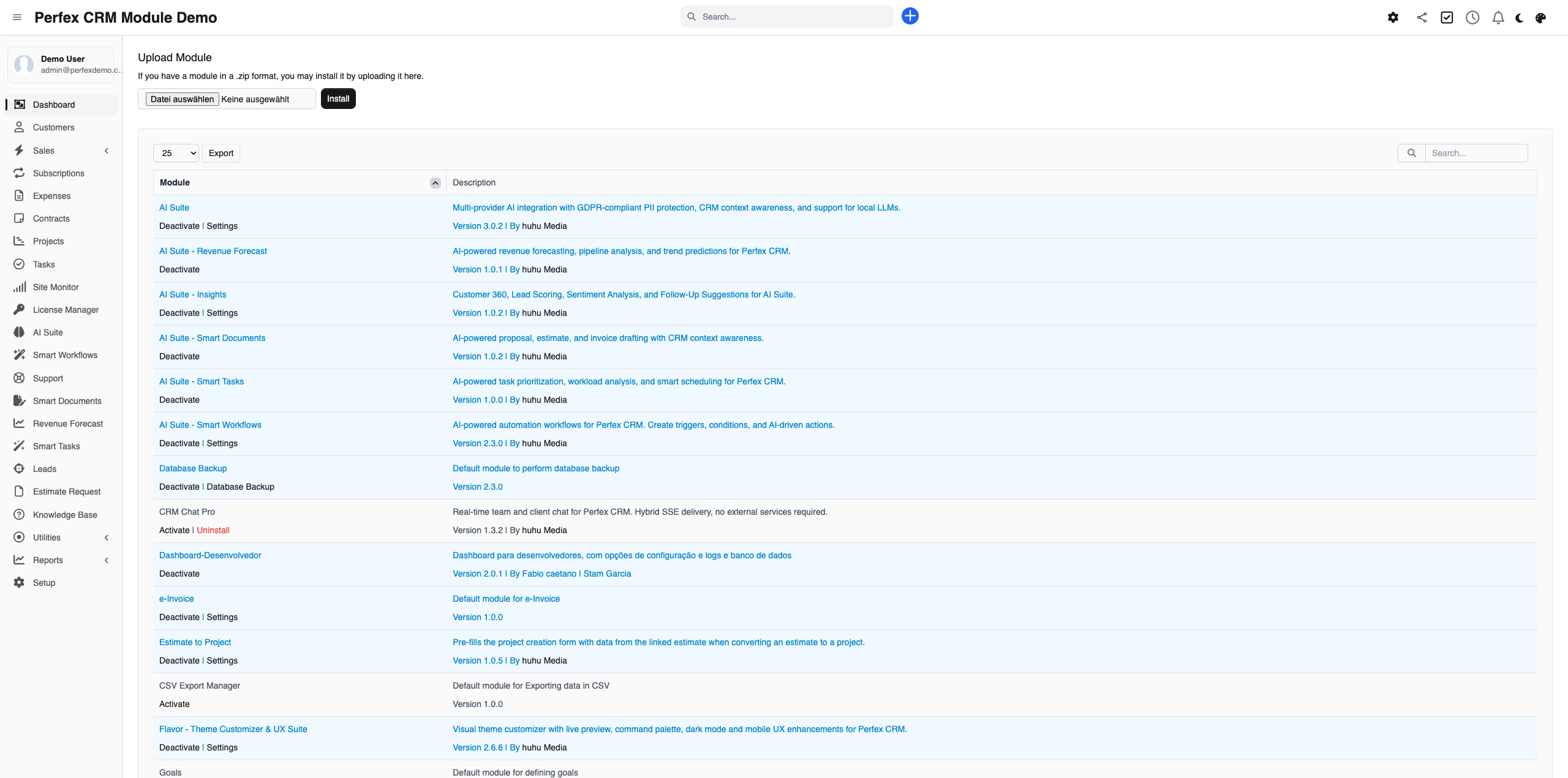
Assicurati che AI Suite Core sia installato e configurato. Poi carica e attiva Smart Workflows tramite Configurazione > Moduli.
Sfogliare i template
Apri Smart Workflows e sfoglia i 10 template predefiniti. Scegli un template adatto al tuo caso d'uso e attivalo con un clic.

Assistente IA
Usa il motore di intervista IA per creare workflow personalizzati. Descrivi la tua automazione in linguaggio naturale e l'IA genera il workflow per te.

Privacy Shield
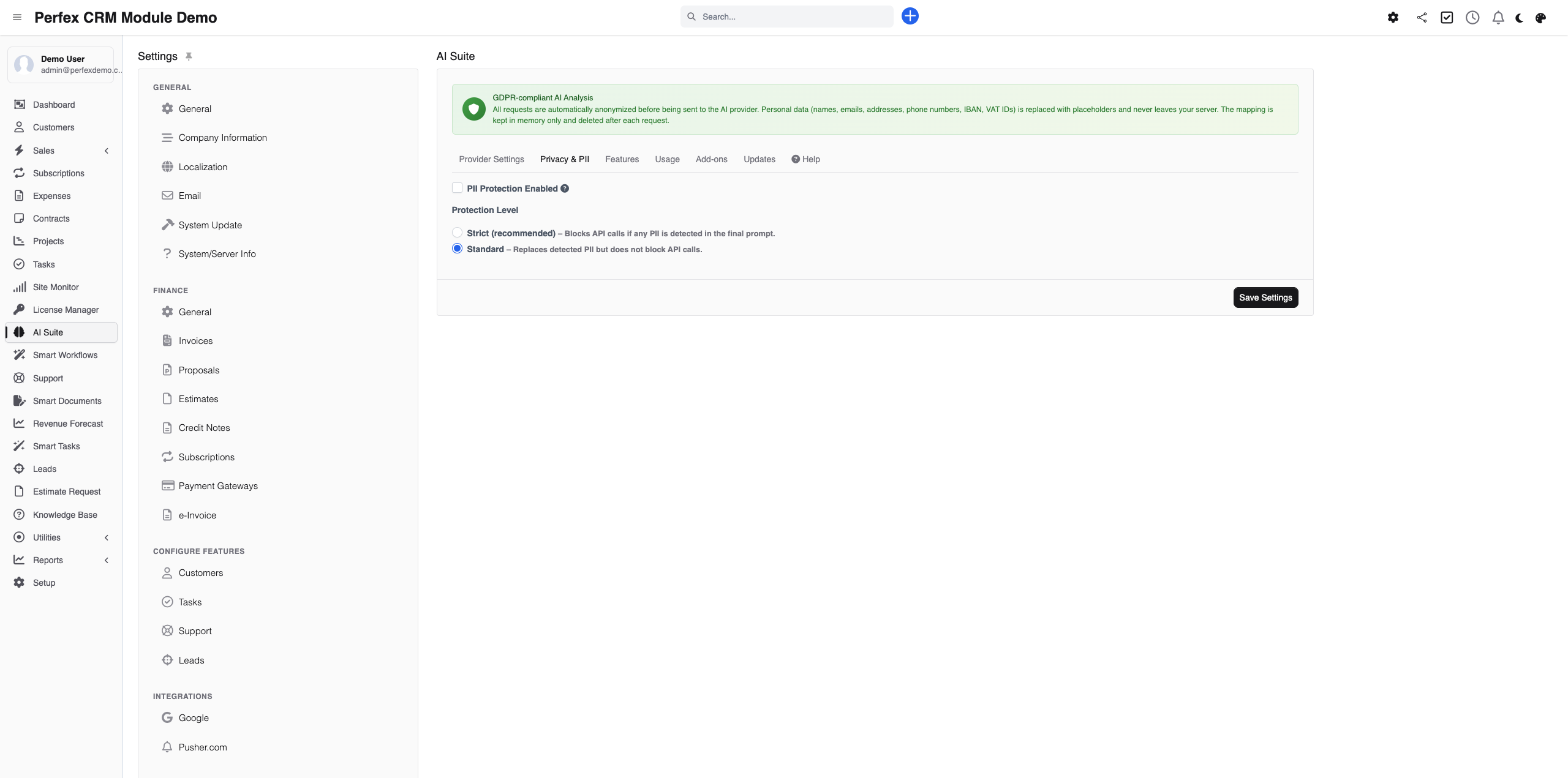
Configura il livello di privacy nelle impostazioni del workflow. Scegli tra Stretta, Pseudonimizzata o Aperta in base ai tuoi requisiti GDPR.
Download Diagnostics Report
If you need support, go to the module admin page and click the "Download Diagnostics" link. This generates a JSON file with system info, PHP version, installed modules, and recent errors (secrets are automatically redacted). Upload this file when creating a support ticket at custom-perfexcrm.com/support/ for faster troubleshooting.

Consigli e trucchi
Trai il massimo da AI Suite — Smart Workflows con questi consigli.
Inizia con i template
I 10 template integrati coprono i casi d'uso più comuni. Inizia con un template e personalizzalo invece di partire da zero.
Usa la modalità Stretta per dati sensibili
Se tratti dati personali sensibili, attiva la modalità Privacy Shield Stretta. L'IA continua a funzionare ma senza accesso alle informazioni personali identificabili.
Concatena le azioni
Combina più azioni su un singolo trigger. Per esempio: quando viene creato un lead, invia un'email di benvenuto IA, crea un task di follow-up e notifica il responsabile commerciale.
Testa prima
Usa sempre la simulazione del workflow prima di attivare un nuovo workflow. Ti permette di verificare il comportamento senza intaccare i tuoi dati reali.
Use diagnostics for faster support
When creating a support ticket, download and attach the diagnostics report from your module settings. It contains system info, PHP version, database details, and recent errors — all with secrets automatically redacted. This helps resolve your issue much faster.
Configure project permissions upfront
When the AI Task Assistant creates a project, use the Project Settings section to set tab visibility and permissions right away. This saves time compared to adjusting settings after project creation.
Domande frequenti
Smart Workflows richiede AI Suite Core?
Sì. Smart Workflows usa AI Suite Core per il motore di intervista IA e le azioni IA. I template di workflow e l'Expert Builder funzionano tramite l'infrastruttura di AI Suite Core.
Posso sostituire n8n o Zapier con questo modulo?
Per le automazioni legate al CRM — sì. Smart Workflows gestisce i trigger CRM (lead, ticket, fatture, task) e le azioni IA direttamente all'interno di Perfex CRM. Per integrazioni con servizi di terze parti, puoi usare l'azione Webhook per comunicare con sistemi esterni.
Come funziona il motore di intervista IA?
Descrivi semplicemente cosa vuoi automatizzare in linguaggio naturale (ad esempio «Invia una email di benvenuto quando viene creato un nuovo lead»). L'IA ti pone domande di follow-up e genera un workflow completo con trigger, condizioni e azioni.
Cos'è il Privacy Shield?
Il Privacy Shield offre tre modalità GDPR per controllare quali dati vengono inviati al provider IA: la modalità Stretta non invia alcun dato personale, la modalità Pseudonimizzata sostituisce nomi ed email con identificatori, e la modalità Aperta invia i dati completi.
Quanti workflow posso creare?
Non c'è limite. Crea tanti workflow quanti ne servono. Ogni workflow può avere più azioni concatenate a un singolo trigger.
Posso testare i workflow prima di attivarli?
Sì. La funzione di simulazione ti permette di testare un workflow con dati di esempio prima di metterlo in produzione. Vedi esattamente quali azioni verrebbero eseguite senza alcun effetto reale.
Cosa sono le impostazioni di progetto?
Quando l'assistente IA crea un progetto, puoi configurare la visibilità delle schede, 18 permessi granulari e le notifiche di contatto direttamente nel modal di creazione. Le impostazioni vengono salvate per progetto nel database.
Hai bisogno di aiuto?
Contatta il nostro team di supporto o visita la pagina del modulo.